
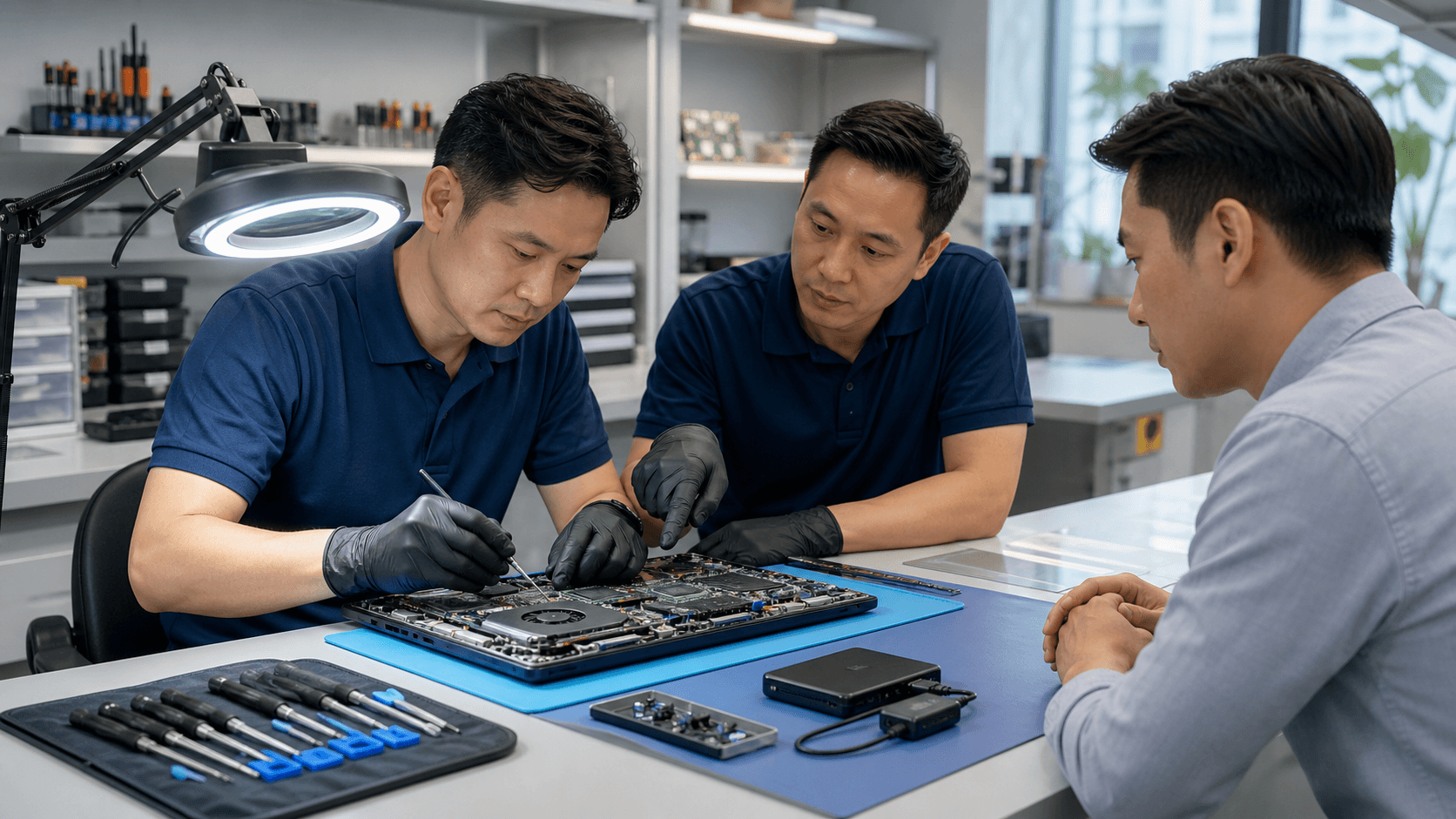
How Waiting on Laptop Repair Puts Your Data at Risk
Ignoring laptop problems feels easy when life is busy. You have deadlines, online meetings, or exams, and the laptop still turns on, so it feels safe to wait. The trouble is, many data loss disasters start with that same thought: it is still working, so it can wait. That delay is what quietly puts your files in danger.
In Singapore, we see this a lot around big project weeks, exam periods, or long weekends like National Day. People push their laptops harder, notice strange sounds or random crashes, then hope things will get better on their own. Instead, small warning signs often turn into sudden failure, and important files become hard or impossible to recover.
Common early warning signs include:
- Repeated blue screens or system errors
- Clicking or grinding sounds from the hard drive
- Random restarts or shutdowns
- Slowness when opening files or apps
- Overheating to the point the laptop feels painful to touch
Many think these are just software bugs. Often, they are signs of deeper hardware issues, like problems with the storage drive or motherboard. When these are ignored, a simple repair can turn into a full data recovery emergency, with more time, stress, and risk to your files. As a local repair specialist, we see the technical damage and the emotional shock when personal photos, school projects, or client work suddenly disappear.
The Hidden Damage Behind "Small" Laptop Problems
Some problems look small from the outside, but inside the laptop they cause slow, steady damage. In Singapore, warm and humid weather, plus moving between cold air-conditioned rooms and hot outdoors, puts extra strain on laptops.
Common habits that wear down your laptop include:
- Using the laptop on beds, sofas, or soft chairs
- Working long hours while the laptop is already very hot
- Ignoring loud fans or strange whirring noises
- Letting a swollen battery push against the case
Heat and poor airflow can damage parts over time. Hard drives can start building bad sectors, which are tiny areas that can no longer store data correctly. SSDs can develop weak memory cells that fail when stressed. File systems can get corrupted if the laptop crashes in the middle of a save.
At first, this might show as:
- Occasional freezing or short hangs
- Files taking longer to open or save
- Programs crashing when they used to run fine
If the real cause is not fixed, these issues often grow into full system crashes or a drive that is no longer readable. We often see laptops that could have been protected with a simple fan cleaning, thermal paste refresh, or early SSD clone. Because repair was delayed, they arrive only after the drive fails, and then the focus shifts from fixing the laptop to trying to save the data.
When Simple Fixes Turn Into Costly Data Recovery
The earlier a problem gets checked, the easier it usually is to sort out. When issues are caught early, repairs might just mean a basic part swap, some internal cleaning, or a careful backup before anything fails. When problems are ignored, what started as a cheap, fast repair can turn into a complex case of data recovery in Singapore.
We often see patterns like these:
- Cracked screens left "for later" then liquid slips through the gaps and reaches the motherboard or storage drive
- Sticky or faulty keyboards ignored until a major spill happens, causing short circuits inside
- Laptops that shut down randomly kept in use, until the drive stops spinning or the SSD stops being detected
By the time this happens, recovering data becomes much harder. Basic backup tools may no longer work. Professional tools and methods might be needed to even read the drive, and success is never guaranteed.
DIY fixes can also reduce the chance of recovery, such as:
- Running random free recovery software over and over
- Opening the laptop without proper tools or experience
- Powering on a drive again and again after loud clicking or grinding noises
Every extra attempt on a failing drive can damage it more. Once you hear strange sounds from inside, or see severe errors that keep coming back, it is safer to shut the laptop down and let a specialist handle it.
Data Recovery Realities in Singapore You Should Know
When people hear "data recovery", they often picture only high-tech labs. In reality, there are different levels. Many cases can be helped with careful logical recovery, which means working with the drive as it is, using special tools and methods. Only when there is physical damage do things move to more advanced steps.
Time is a big factor. The longer a failing drive is used:
- The more chance weak areas on the disk are touched
- The more likely files are overwritten or corrupted
- The higher the risk that small damage becomes total failure
In Singapore, day-to-day life adds extra pressure. Laptops are carried on buses and trains, taken from cool offices into hot, humid outdoors, and used in cafes with sometimes unstable power sockets. During mid-year school breaks, exam seasons, or around National Day when people travel more, laptops get moved and used even more. A weak drive in this kind of routine can decline fast.
There are also common myths to clear up:
- Deleted files are sometimes recoverable, but using the laptop more can overwrite them
- Tricks like putting a drive in the freezer or tapping it are harmful and can destroy data
- Cloud sync can copy bad changes too, so if a file is corrupted or deleted, the cloud may update to that broken version
Early professional help often makes the difference between getting back most of your files and losing them for good.
Smart Habits to Protect Your Data Before it Fails
You do not need to wait for errors to start caring about your data. Simple habits can cut your risk a lot.
Useful steps include:
- Setting up automatic backups to an external drive or trusted cloud service
- Using surge protectors at home to smooth out power spikes
- Shutting down or sleeping your laptop before tossing it into a bag
- Giving your laptop space to "breathe" instead of blocking vents
It also helps to do a short "data checkup" every few months, especially before exam periods or key business project seasons. During that checkup, you can:
- Confirm backups are actually running and test restoring one or two files
- Clear some storage space so the drive is not always near full
- Run simple disk health checks and pay attention if warnings appear
- Look for signs like unusual fan noise, extreme heat, or battery bulges
A proactive visit to a trusted local repair shop for cleaning, diagnostics, or drive health checks can extend the life of your laptop and reduce emergencies. For busy families and working professionals, pick-up and delivery options can make this kind of care much easier to fit into a packed schedule.
Protect Your Files Now with Fast Local Help
If your laptop is already giving warning signs, the safest move is not to wait until it refuses to turn on. Your files are often worth more than the laptop itself, especially when they hold schoolwork, client records, or years of memories. Treating small issues early protects those files and usually keeps repair simpler.
At Singapore Laptop Repair, we focus on honest diagnostics, clear explanations, and practical solutions for laptops, desktops, gaming PCs, Macs, and Nintendo Switch consoles. We also handle data recovery in Singapore when things do go wrong. With fast turnaround, pick-up and delivery options, and a local team that understands how stressful data loss can be, we aim to keep small problems small and help you avoid sudden, painful data disasters.
Protect Your Critical Files With Expert Recovery Services
If you suspect data loss, do not wait until the problem gets worse. At Singapore Laptop Repair, we use professional tools and proven processes to safely restore your documents, photos, and business files. Learn more about our specialized data recovery in Singapore and other repair services, and let our team help you recover what matters most. Reach out today so we can assess your situation and provide a clear path forward.