Stop Panic and Protect Your Data Now
A sudden laptop failure feels awful. One moment you are working on a report, school project, or planning a trip, and the next moment your screen goes black or freezes. In a city where many of us work from cafes, co-working spaces, and on the MRT, that little laptop often holds our whole life.
What is really at risk is not the laptop itself, but what sits inside it. Family photos, business documents, school work, tax files, client records, and personal memories can all be gone if things go wrong. The first minutes and hours after a crash can make the difference between getting everything back and losing it for good. With mid-year exams, corporate reporting, and travel plans all happening around this time, the impact of sudden failure can be even bigger.
We provide professional repair and data recovery in Singapore, including pickup and delivery, but this guide is about helping you avoid common mistakes. If your laptop just died, take a breath, read carefully, and move slowly. Rushing or guessing is often how data is lost forever.
The First Five Minutes After Laptop Failure
Those first few minutes matter a lot. What you do next can protect your data or quietly destroy it.
Here is what we suggest you do right away:
- Power down safely
- Stop trying to restart over and over
- Disconnect power and accessories
- Do not open the laptop yourself
- Watch for serious warning signs
If the laptop is frozen, hold the power button once for a hard shutdown. Do not keep pressing keys or forcing restart after restart. Each failed boot can stress a damaged drive, and a drive that is on the edge can die completely.
Once it is off, unplug everything:
- Remove the charger
- Unplug external hard drives and USB devices
- Remove SD cards or game cartridges
- Disconnect from docking stations
Do not try to pry open the case. Modern ultrabooks, gaming laptops, and MacBooks are tightly packed and easy to damage without the right tools and anti-static steps. One slip can scratch a drive or break a fragile connector that was still recoverable.
Pay special attention if you notice:
- A burning or strange electrical smell
- Clicking, grinding, or loud whirring sounds
- Visible liquid on or under the laptop
If you see or smell any of these, stop using the device completely. Keeping it off gives your data a better chance.
Common Laptop Failures That Threaten Your Data
Not every failure is the same. Some problems look scary but are simple. Others seem small but can be dangerous for your data.
Hardware failures often show up as:
- Clicking or ticking from inside the laptop
- Very slow loading or freezing
- Frequent crashes while opening files
- Messages like "no bootable device"
Sudden power cuts from storms, loose sockets, or faulty power strips can also hurt the drive. Even a short flicker can interrupt the drive at the wrong time and damage how data is stored.
Physical and environmental damage is common too. A drop on the bus, a slip off a cafe table, or a small spill can all cause problems. In Singapore's warm, humid climate, heat can build up fast if vents are dusty or fans are blocked. Over time, this wears out parts and makes failure more likely.
Software and system corruption can also lock you out:
- Endless Windows or macOS update loops
- Blue screen errors
- The system restarting again and again
The good news is that in many of these cases, the data is still there, even if the system cannot load.
Ransomware and other malware are a different kind of threat. Suspicious email attachments or downloads can encrypt your files or block access. If you see strange messages asking for payment or notice many files suddenly changing names, disconnect from Wi-Fi and shut down as soon as you can.
When to Try Basic Checks and When to Call Experts
There are a few simple checks that are usually safe and do not touch your data. These are more about power and connections than the drive itself.
Safe at-home checks include:
- Trying a different wall socket
- Checking if the charger light comes on
- Reseating removable power cables
- Letting the laptop cool down if it feels very hot
If the laptop starts after this and behaves normally, back up your files right away. Treat it as a warning, not a lucky escape.
Stop DIY attempts and seek expert help if you notice:
- Clicking or grinding sounds inside the laptop
- Repeated crashes when opening files
- A burning smell or visible scorch marks
- Signs of liquid inside, such as sticky keys or stains
- Important business or client data on the drive
Online "tricks" can be risky. Freezer myths, random repair tools, and untested recovery software can overwrite data or stress a failing drive. This is especially risky with SSDs, which have limited write cycles and manage data in complex ways.
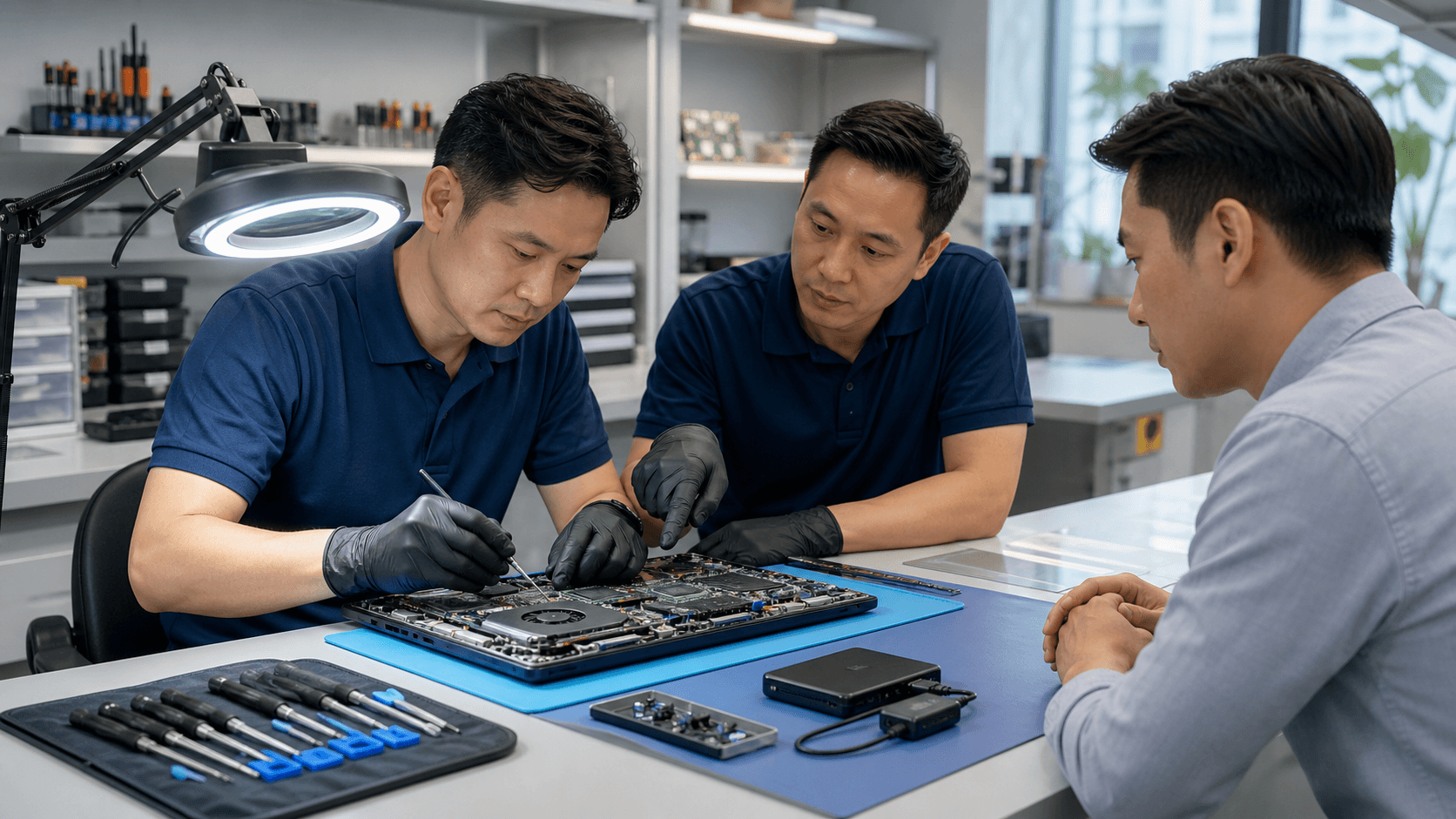
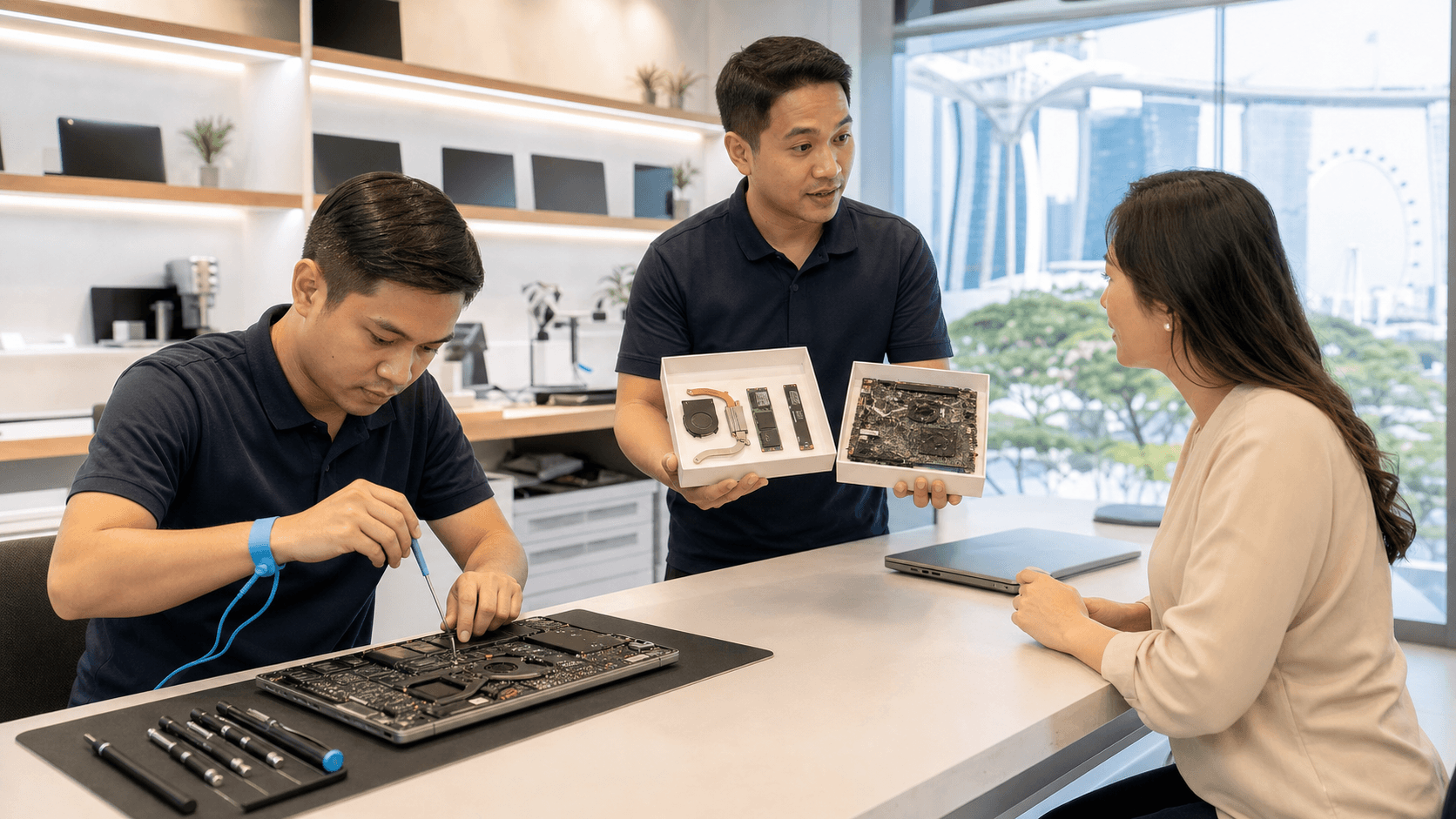
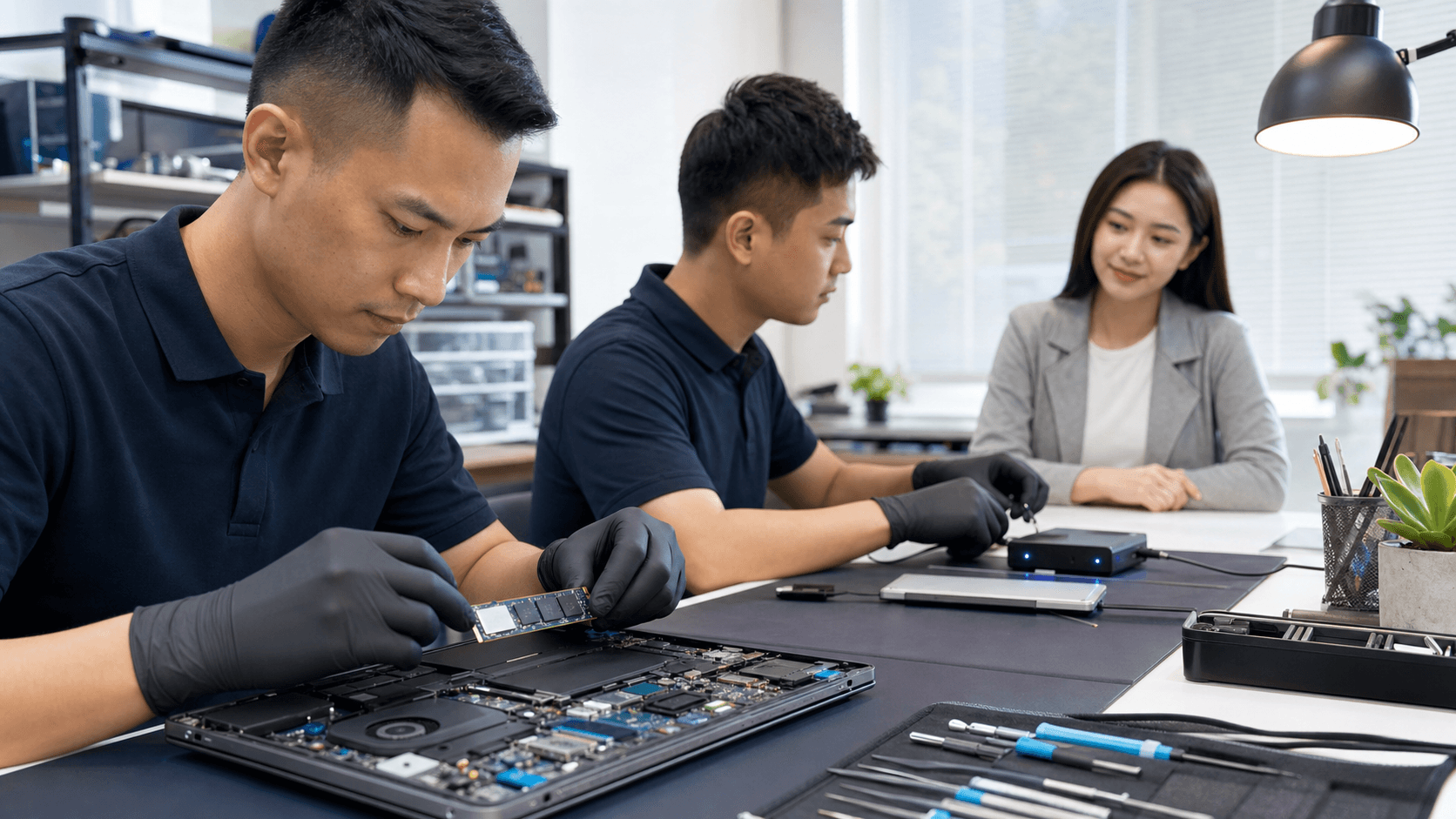
A professional lab environment is different. Trained technicians work with clean-bench setups, specialized tools, and write-blocking devices that let them read a drive without changing it. This helps protect what is left and gives each case a better chance.
We focus on expert diagnostics for both hardware and software, with clear communication so you understand what is happening and what your options are.
What to Expect From Professional Data Recovery in Singapore
If you decide to go with professional data recovery in Singapore, it helps to know what to expect.
First comes an initial assessment. The technician will:
- Check physical condition
- Listen for unusual sounds
- Test whether the drive responds at all
- Identify if the problem is hardware, software, or both
You should get a clear explanation and an estimate before any deeper work starts. Good communication means you can decide how to proceed.
The recovery process usually falls into two broad types:
- Logical recovery: The drive still works, but files are deleted, corrupted, or the system is broken. Here, tools read the data structure and try to rebuild it.
- Physical recovery: Parts of the drive are damaged. Technicians may need to work on the internal components using specialized equipment.
To protect your data, the drive is often cloned first. Work is then done on the copy, not on your original media, so there is less risk if something goes wrong.
Timeframes vary. Some simple logical recoveries can be done the same day. More severe physical damage, heavy liquid exposure, or drives that have been through many DIY attempts can take longer and have lower success chances.
Data privacy and security matter too. Trusted providers should have clear steps for how your files are stored, who can access them, and how any copies are erased after you receive your data.
Pickup and delivery can be a big help for busy people in Singapore. Students facing project deadlines, office staff dealing with closing dates, and gamers with custom PCs all save time when the device can be collected and returned.
Build a Bulletproof Backup and Protection Plan Today
Once you get through a failure, you never want to feel that stress again. A simple backup routine makes that much less likely.
We suggest three layers of backup:
- Local backup to an external hard drive or SSD
- Cloud storage for daily work and shared files
- Periodic offline backup stored in a different safe place
This way, you are protected against device failure, theft, and many forms of malware. Try a short restore test once in a while so you know your backups actually work.
To protect against future failures, make small changes:
- Use surge protectors, especially during stormy periods
- Keep vents clear and avoid blocking fans
- Do not leave laptops in hot, closed spaces
- Keep drinks and liquids at a distance
Before big events, do a full backup. That means before major exams, corporate reviews, trips, or big system updates. A backup taken just before a problem is often the one that saves you.
When something does go wrong, it helps to have expert support in mind ahead of time. Save the details for Singapore Laptop Repair and keep them handy so you can quickly arrange repair or data recovery in Singapore. Keeping calm, shutting the laptop down, and getting timely help gives your data the best chance to come back safely.
Protect Your Valuable Data With Expert Recovery Services
If you suspect data loss or a drive failure, reach out to Singapore Laptop Repair before the problem gets worse. Our experienced technicians will carefully assess your device and use proven tools to retrieve as much data as possible. Learn more about our specialized data recovery in Singapore so we can help you safeguard your important files today.