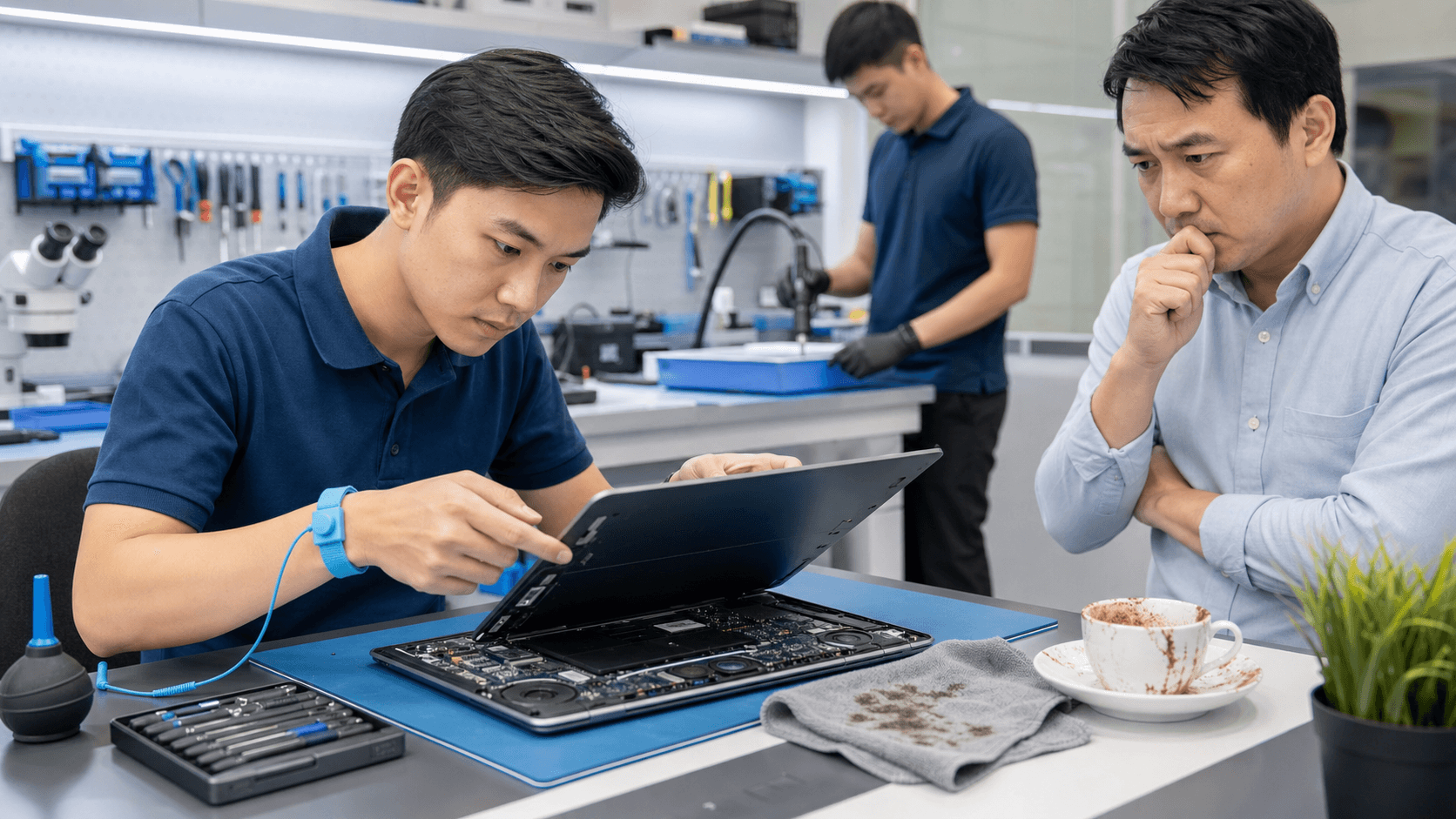
Spilled a drink on your laptop or dropped it on the floor? Those first few minutes matter a lot for both your device and your data. With the right steps, you can lower the damage and give your computer a better chance of surviving.
We see emergency cases like this every week. In this guide, we will walk through what to do right after a spill or drop, what damage to watch for, simple first aid at home, and when it is safer to get professional computer repair in Singapore as soon as possible.
Stop the Panic: What to Do Right After a Spill or Drop
The first 5 to 10 minutes after a spill or fall are when you can make the biggest difference. Acting quickly can stop short circuits, stop heat from building up, and keep damage from spreading.
If your laptop gets wet:
- Turn it off right away by holding the power button
- Unplug the charger and remove any USB devices
- If the battery is removable, take it out carefully
If the laptop drops:
- Check the screen and casing for cracks
- Listen for loose parts rattling inside
- Power it off if anything sounds or looks wrong
Sometimes the device still turns on and seems fine. That does not always mean it is safe. Hidden damage can show up later as:
- Random freezing or crashes
- Keys that stop working after a day or two
- Sudden battery drain or charging problems
Liquid can stay trapped inside and start corrosion over hours or days. A hard knock can slowly loosen internal cables. So even if everything looks normal, keep a close eye on it.
Common Damage From Liquid Spills and Hard Drops
After a liquid spill, some problems show up right away, while others build up over time. Common signs include:
- Sticky or unresponsive keys
- Distorted or muffled sound from speakers
- The laptop shutting down on its own
- Charger working only at certain angles
One of the biggest long-term risks is corrosion. Metal parts react with the liquid, especially if it is sugary or contains milk. In Singapore's humidity, moisture hangs around longer inside your device, which speeds up this damage if it is not cleaned properly.
Drops cause a different kind of trouble:
- Cracked displays or flickering screens
- Bent frames that cause the lid not to close properly
- Fans that become noisy or stop spinning
- Storage drive issues that cause slow loading or missing files
Sometimes a dropped laptop looks almost normal from the outside. But inside, connectors can loosen just enough to cause random black screens or boot problems later.
First Aid for Your Wet or Dropped Laptop at Home
There are a few simple steps you can safely do at home to protect your computer before you get expert help.
If it is wet:
- Power off and unplug the charger.
- Disconnect accessories like mice, external drives, and SD cards.
- Gently blot visible liquid with a soft cloth or tissue.
- Place the laptop in a stable position so liquid can drain out instead of deeper inside.
If it is dropped:
- Power off if the screen flickers or the fan sounds strange.
- Remove accessories and check for obvious damage.
- Avoid pressing on bent corners or cracked areas.
What you should not do:
- Do not use a hair dryer or heater; hot air can push liquid deeper and warp parts
- Do not put the laptop in an oven or under direct hot sun
- Do not shake the device to get liquid out
- Do not keep using it "just to finish one more task" if it is acting weird
Safe DIY steps are simple drying on the outside, basic visual checks, and copying important files to an external drive if the laptop still runs normally for now. If you see any strange behavior or signs of liquid inside, it is time to stop and look for emergency computer repair in Singapore instead of testing your luck.
When to Call a Professional Computer Repair in Singapore
There are some warning signs where you should not wait:
- Burning or strange chemical smells
- Sizzling, crackling, or popping sounds
- Green or white marks on metal parts that look like corrosion
- Repeated crashes, even after a restart
- The device refusing to turn on at all
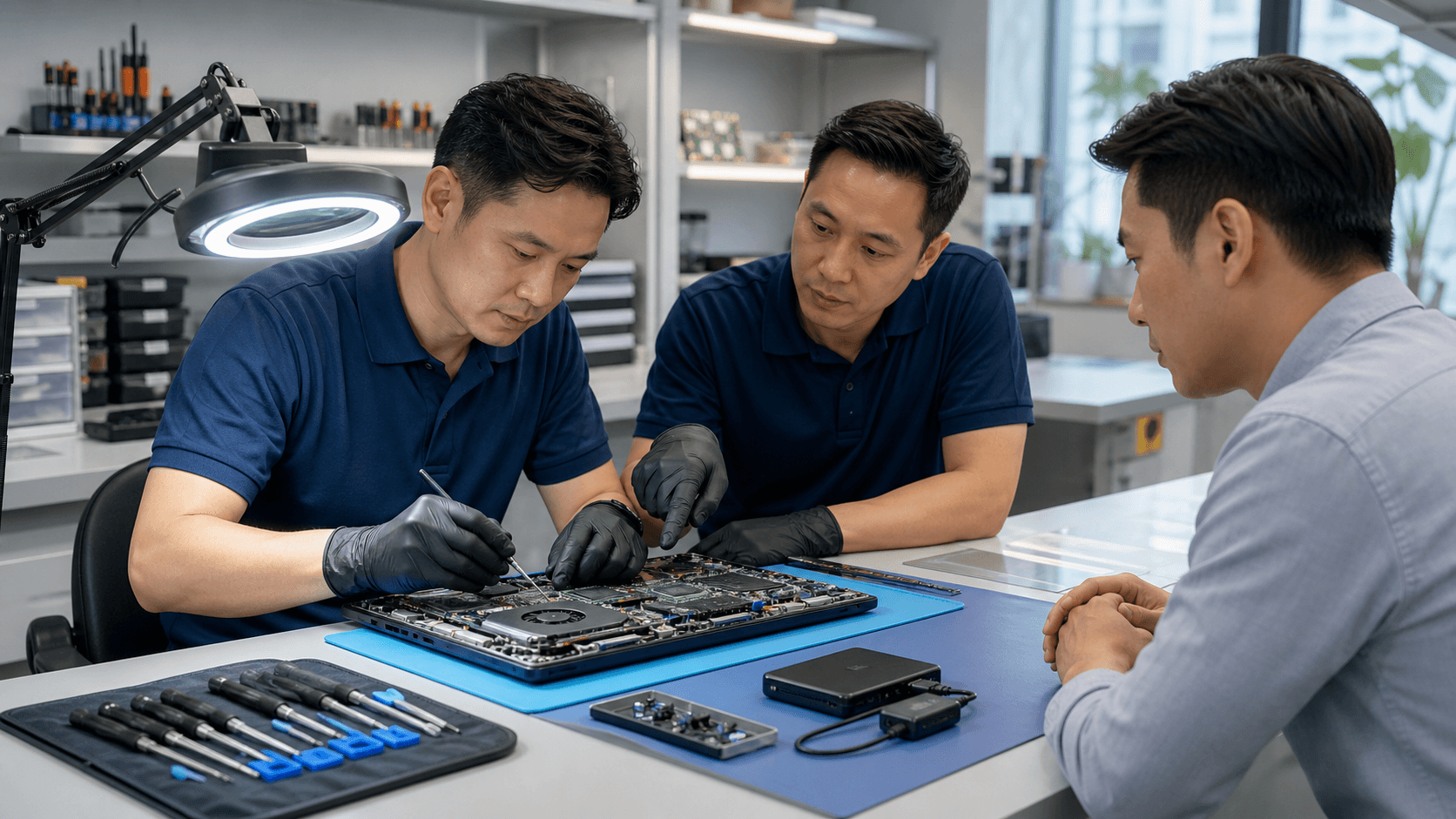
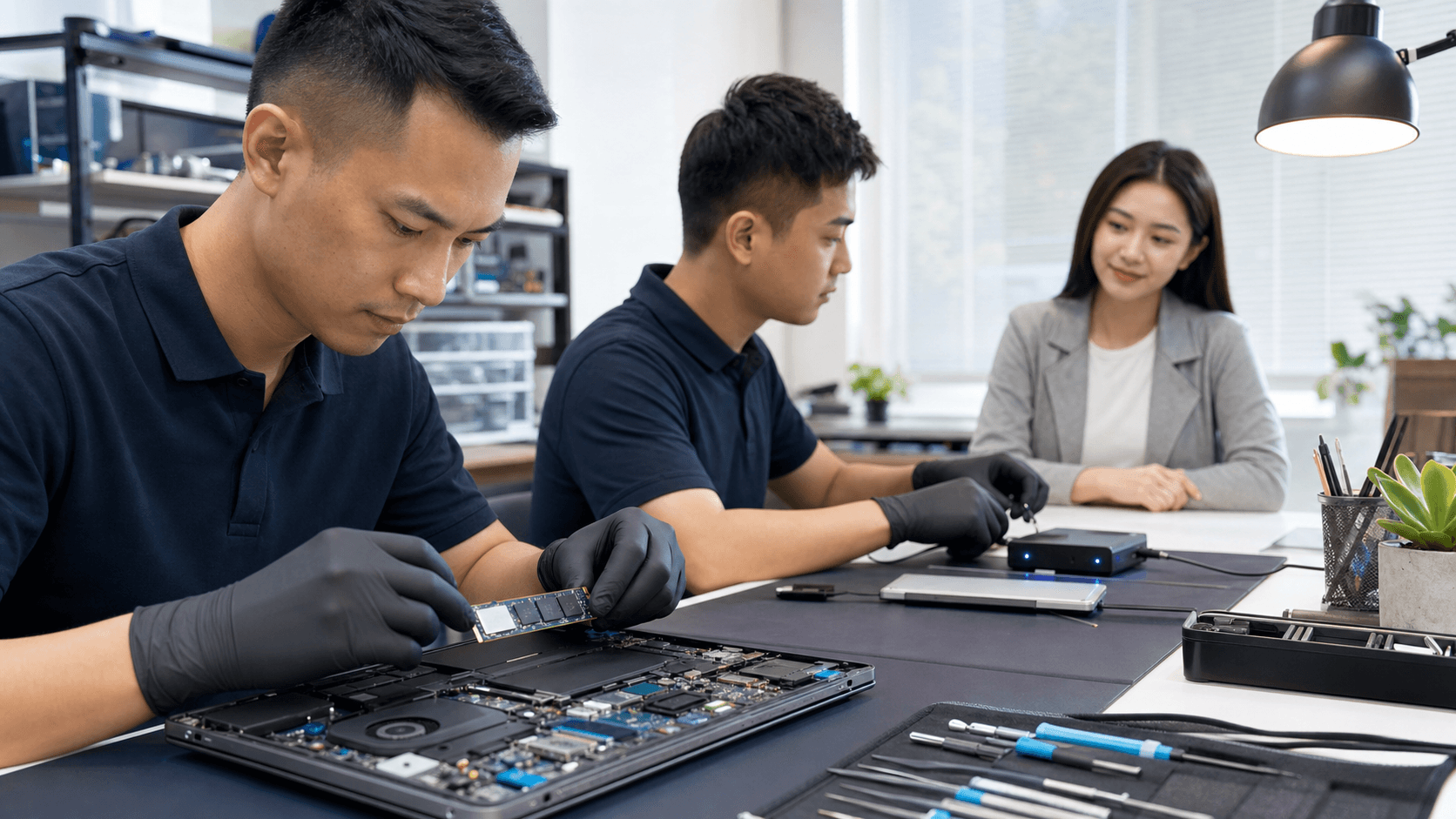
At that point, opening the device on your own can cause more harm or make data recovery harder later. Professional technicians can safely open the machine, check the main board, and test each part.
When looking for repair options in Singapore, you can think about:
- Walk-in service at a repair shop
- Onsite visits to your home or office for urgent cases
- Use of quality parts that match your device
- Clear diagnostics and honest advice on repair versus replacement
For emergencies like spills and drops, an experienced team can give your device a quick but detailed check, move your case up the queue, and give you straightforward guidance instead of guesswork.
How Emergency Repair Helps Save Your Data and Device
With spill and drop cases, technicians usually start with:
- Internal inspection to see where the liquid reached or where impact hit most
- Cleaning of corrosion and residue from the board and connectors
- Checking fans, ports, and cables for cracks or looseness
- Stress testing once repairs are done to make sure the laptop is stable under load
Your data is often more important than the laptop itself. A good repair process gives special attention to the storage drive:
- Testing the health of the drive early in the process
- Cloning or copying data from a weak or failing drive
- Using data recovery tools if the drive has logical or physical issues
This is especially helpful for students facing exam deadlines and for professionals handling key projects around busy times in the year. Same-day work where possible, or at least quick initial checks, can mean the difference between a short break and losing days of work.
Preventing the Next Accident in Singapore's Busy Lifestyle
Life here can be fast, and laptops often live on café tables, shared desks, and tight MRT rides. A few habits can lower the chance of the next emergency:
- Keep drinks on a separate surface or at least on the opposite side of your main hand
- Use a protective case and a shock-absorbing laptop bag
- Do not block the air vents when using the laptop on beds or couches
- Avoid placing the laptop on the very edge of tables
For peace of mind, pair these habits with a simple backup plan:
- Use an external hard drive or SSD for copies of key files
- Turn on cloud backup for your documents and photos
- Set a reminder for automatic backups before exam periods or major work cycles
Regular health checks with a trusted provider of computer repair in Singapore can also help catch worn fans, weak batteries, and loose ports before the next spill or drop turns a small issue into a big one.
Get Fast, Reliable Repairs From Trusted Local Experts
If your laptop or desktop is slowing you down, we are ready to help you get back to work quickly and with confidence. At Singapore Laptop Repair, our technicians diagnose issues accurately and fix them with quality parts so you avoid repeat problems. Explore our full range of computer repair in Singapore solutions today and see how we can restore your device's performance. Reach out now so we can schedule a convenient time to repair your computer.