
Stop Playing Guessing Games: Is Fixing Your Switch Worth It?
When your Nintendo Switch dies right as the school holidays start or during big midyear sales, it can ruin the mood at home fast. Kids are upset, your plans for a quiet afternoon are gone, and you are stuck wondering what to do next. Replace it? Upgrade to an OLED model? Or send it for repair and hope it is not a waste of time and money?
This is where many people in Singapore get stuck. They keep trying to charge it, pushing the power button, cleaning the game card, watching random videos, and nothing really fixes the problem. We want to help you cut through the guessing and see clearly when Nintendo Switch repair in Singapore actually makes sense, and when it is better to move on.
We will walk through common failures, what they usually mean, how to think about repair versus replacement, what really happens during a proper repair, and how to choose a trustworthy shop before the next school break hits.
Common Nintendo Switch Failures and What They Really Mean
The Switch is a tough little console, but it has weak spots. Some problems are annoying but simple. Others are warning signs of something bigger inside.
Here are issues we see often:
- Joy-Con drift, where the character moves on its own
- Cracked, flickering, or fully black screen
- Charging port that feels loose or charges only at certain angles
- Battery that drains very fast or shuts off even with battery left
- Overheating with the fan getting loud or the console turning off
- Game card or SD card that is not detected at all
Sometimes the real damage is hidden. A drop on the floor, a drink spilled on the table, or a bag left in a hot car can lead to:
- Motherboard problems that cause random shutdowns or error messages
- Corrosion from liquids that slowly eats into tiny parts
- Data issues that put saved games and screenshots at risk
There are also symptoms you should not ignore:
- Random freezes in the middle of a game
- Burning or strange chemical smell
- Very loud fan noise that starts suddenly
- Repeated error codes that keep coming back even after a restart
When these show up, waiting too long or trying too many DIY tricks can turn a fixable console into one that is no longer worth saving.
Repair vs. Replace: Doing the Math in Real Life Terms
Many people think the choice is simple: if repair feels expensive, just get a new console. But with a Nintendo Switch, there is more to think about than the price tag on a new unit.
You already own:
- Digital games tied to your account
- Saved data for long games and unlocked items
- Extra Joy-Cons, docks, cases, and stands
- Custom settings and downloaded content
If your current console can be repaired, you keep all of that without having to re-set everything or worry about moving data. That has real value, especially when multiple people in the family share the device.
So when does repair make sense? As a general mindset:
- The console is still fairly recent and not heavily abused
- The problem seems limited to parts like screen, battery, port, or Joy-Cons
- There is no sign of deep motherboard damage
- The repair cost feels reasonable compared to a full replacement
On the other hand, it might be time to replace or upgrade if:
- The console is very old and already had several big repairs
- There is serious board damage from water or heavy impact
- Multiple major parts are faulty at the same time
- You were already planning to move to a newer model soon
The goal is to protect both your wallet and your game progress, not just chase the newest device for the sake of it.
Inside a Professional Nintendo Switch Repair in Singapore
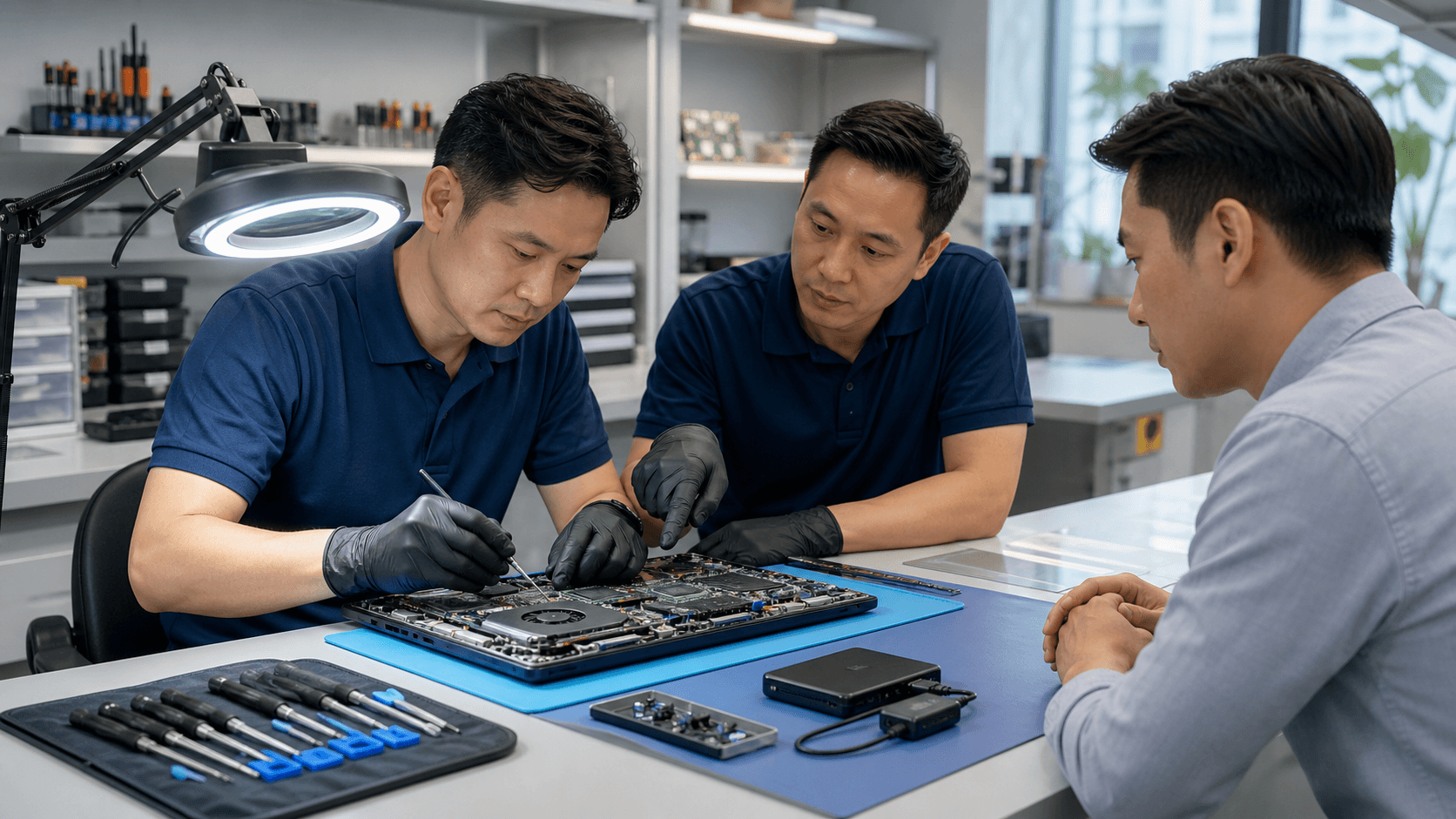
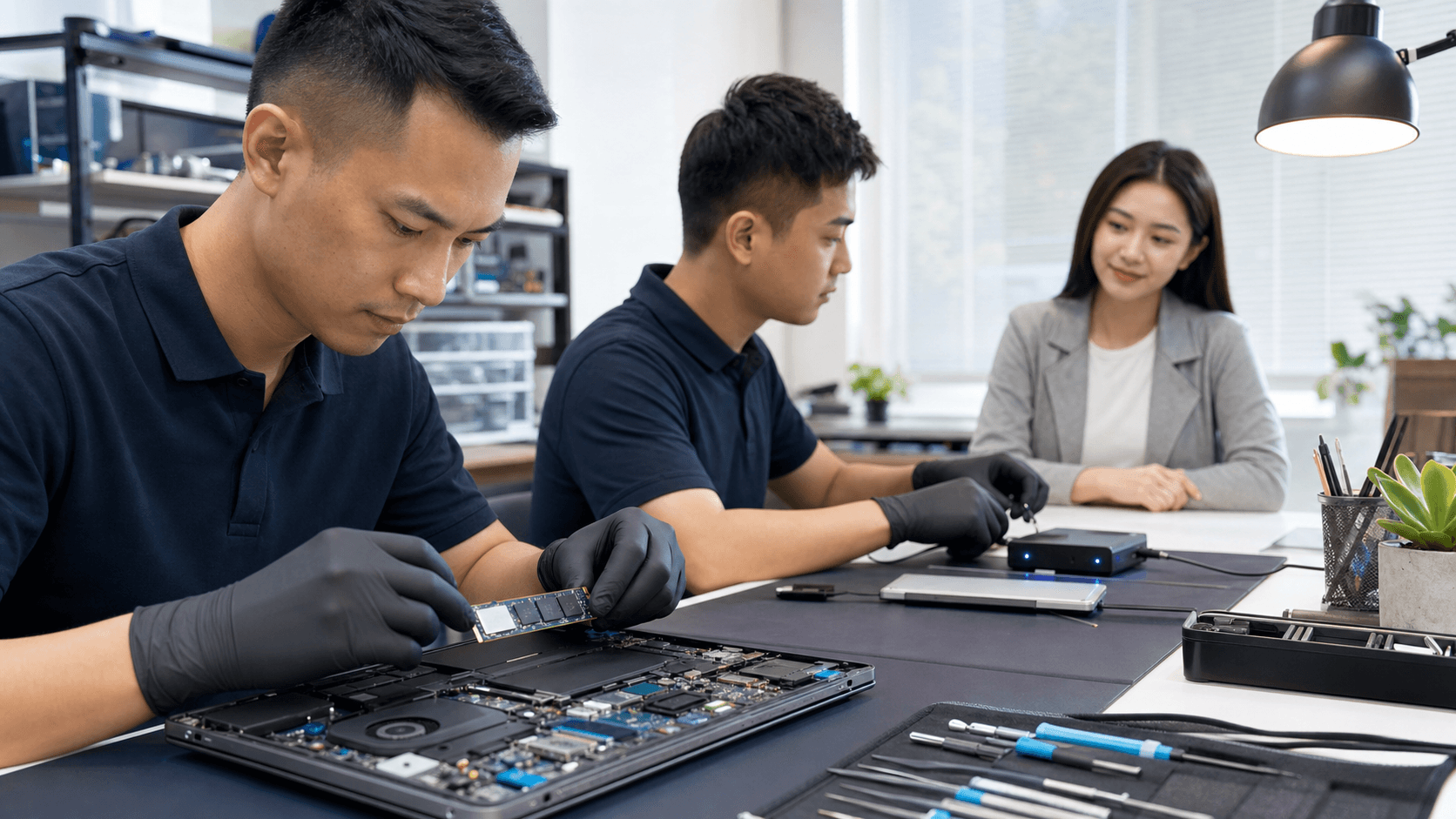
Many people only see the front counter of a repair shop and have no idea what happens to their console once it goes inside. A proper Nintendo Switch repair is more than just swapping parts.
A careful, step-by-step process usually includes:
- Initial checks to see if the fault is with power, display, storage, or something else
- Testing tools to read voltages, check charging lines, and spot short circuits
- Safe opening of the console so clips, cables, and screws are not damaged
- Cleaning of dust and old thermal paste that can cause heat problems
- Work on small parts like charging ports, fans, joysticks, and buttons
- Firmware and function tests before handing the console back
DIY kits and random walk-in booths can look tempting. The problem is:
- Low-quality parts that fail again soon
- Rough soldering that damages the board
- No real testing, just swap and hope
- Little or no support if the console dies again a week later
At Singapore Laptop Repair, we treat the Switch like any other serious device, whether it is a gaming PC, Mac, or console. We focus on careful diagnostics first, explain what is really wrong, and give clear options. Because we also handle data recovery and water damage for other devices, we are very careful with your saved data and do not rush into risky shortcuts. If a console is beyond economical repair, we say so plainly instead of pushing a fix that does not make sense.
Choosing a Trusted Switch Repair Shop Before the Next Break
Waiting until the Switch dies right before a trip or the school holidays is a recipe for stress. It helps to know where you would go for Nintendo Switch repair in Singapore before things go wrong.
A good repair shop should offer:
- Clear, simple explanations of problems and options
- Experience with gaming devices, not just phones or laptops
- Quality parts that match the original as closely as possible
- Written warranty for the work done
- Real reviews from local customers, not empty claims
Before you hand over your console, ask a few direct questions:
- How long does diagnosis usually take?
- Is there a separate fee for diagnosis and is it used toward repair?
- What happens if you find more issues after opening the console?
- How do you handle personal data like screenshots and saved games?
Holiday periods, school breaks, and midyear sales are peak times for both gaming and console damage. Bookings can fill up fast, and some parts may run low. A shop that offers pickup and delivery across Singapore, plus same-day options where possible, can make life much easier when everyone in the home just wants the console back.
Make a Smart Move: Get a Switch Health Check Today
In the end, the big question is simple: is your Nintendo Switch still worth saving? If the repair cost is reasonable compared to buying a new console, if your saved games matter to you, and if the problem is hardware and not extreme age or abuse, professional repair is usually a smart move.
At Singapore Laptop Repair, we see every Switch as more than a gadget. It is shared family time, long game progress, and stress relief after a busy day. A clear health check and honest advice can help you stop guessing, avoid wasting money on random fixes, and get back to smooth gaming with confidence.
Restore Smooth Gaming With Fast, Reliable Repairs Today
If your Switch is drifting, crashing, or not turning on, our technicians at Singapore Laptop Repair are ready to help you get back to gaming quickly. We diagnose issues accurately, use quality parts, and stand behind our workmanship so you can play with confidence. Explore our full range of services and book your Nintendo Switch repair in Singapore today, and let us take care of the rest.