When a Spill Threatens Your Laptop Keyboard
A drink spill on a laptop keyboard can go from a small mess to a big problem very fast. One second you are replying to an email, watching a show, or gaming, and the next second coffee, bubble tea, or soup is running between the keys. It happens at cafes, at hawker centers, at the office, and at home, especially when everyone is on school holidays and the laptop is always on the table.
Quick action matters. Liquid can cause sticky keys, random typing, short circuits, and even full keyboard failure. In some cases, it does not stop at the keyboard and can spread inside the laptop. In this article, we will walk through what to do the moment a spill happens, what kind of damage can show up later, and how professional laptop keyboard repair in Singapore helps protect both your device and your data.
First Moments After a Spill: Do This, Not That
The first few minutes after a spill are very important. The goal is to keep the liquid from reaching deeper parts of the laptop and to avoid short circuits. Treat it like emergency first aid: stop power, stop spread, and let gravity help drain the liquid out.
Here is what you should do right away:
- Power off the laptop as fast as you can; do not wait for it to shut down normally
- Unplug the charger and remove any connected cables or USB devices
- If your laptop has a removable battery, take it out carefully
- Gently blot the liquid with a soft cloth or tissue; do not wipe it across the keyboard
- Place the laptop in a tent or a V shape so the liquid can drain out instead of going deeper
There are also a few things you should avoid, even if they feel helpful in the moment. Continuing to use the laptop or "testing" keys can push liquid deeper and trigger shorts, while aggressive shaking or direct heat can spread damage or warp components. Avoid the following:
- Do not keep using the laptop to finish "one more thing"
- Do not press the keys over and over to see if they still work
- Do not shake the laptop hard; this can spread liquid inside
- Do not use a hair dryer or put it under direct heat; that can warp parts
- Do not force keycaps off without proper tools and know-how
These steps can help slow down the damage, but they are not a full fix. Liquid can still sit on the keyboard circuit and inside the laptop. That is why, after basic first aid, a proper inspection by a professional repair center is usually the safest option.
How Spills Damage Your Keyboard and Laptop Internals
Not all liquids act the same way inside a laptop. Some seem harmless at first but cause long-term trouble, especially when residue dries or corrosion builds over time.
Here is how common drinks differ:
- Plain water: Less sticky, but still able to cause short circuits
- Coffee or tea: Often contains milk and acids that leave residue and can corrode parts
- Sugary drinks like bubble tea or soft drinks: Dry into sticky layers that make keys jam
- Alcohol: Evaporates faster, but can still damage coatings and circuits
Liquid does not always stop at the keyboard. It can seep through gaps and reach:
- The motherboard and internal chips
- The trackpad and its connector
- The SSD or storage area
- Internal fans and vents
Some problems show up right away, such as dead keys or immediate shutdowns. Others only appear days or weeks later as corrosion builds up inside, so it is important to stay alert even if the laptop seems "fine" after drying.
Watch for warning signs like:
- Keys not responding or typing the wrong characters
- Certain keys repeating on their own
- Random beeping or error sounds
- Trackpad jumps, clicks on its own, or stops working
- Overheating or loud fan noise
- Screen flickering or the laptop failing to power on
Surface cleaning may make keys feel nicer for a while, but it does not remove hidden moisture or corrosion. That is why trained technicians, proper tools, and careful diagnostics are so important after any serious spill.
Professional Laptop Keyboard Repair in Singapore: What to Expect
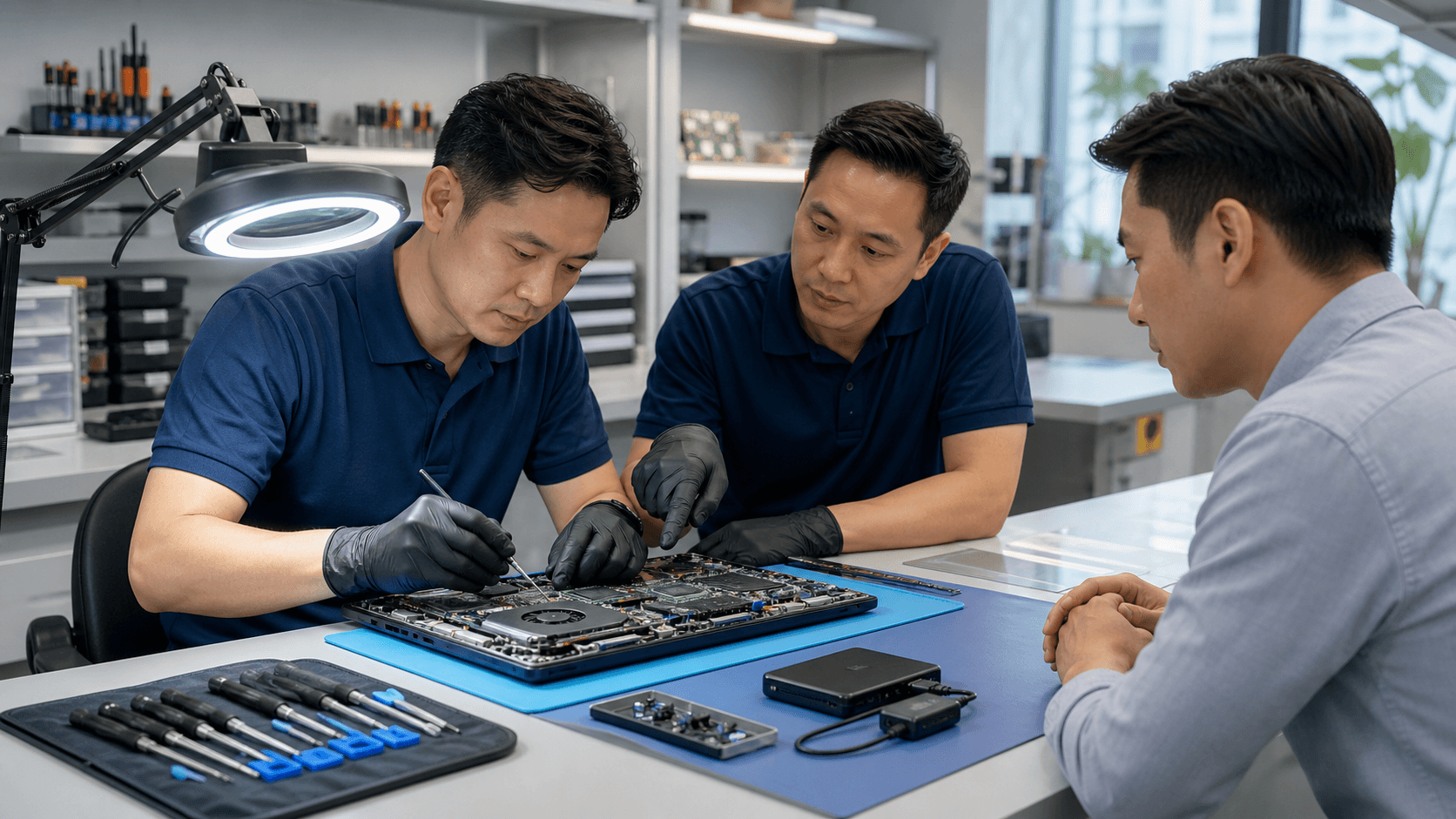
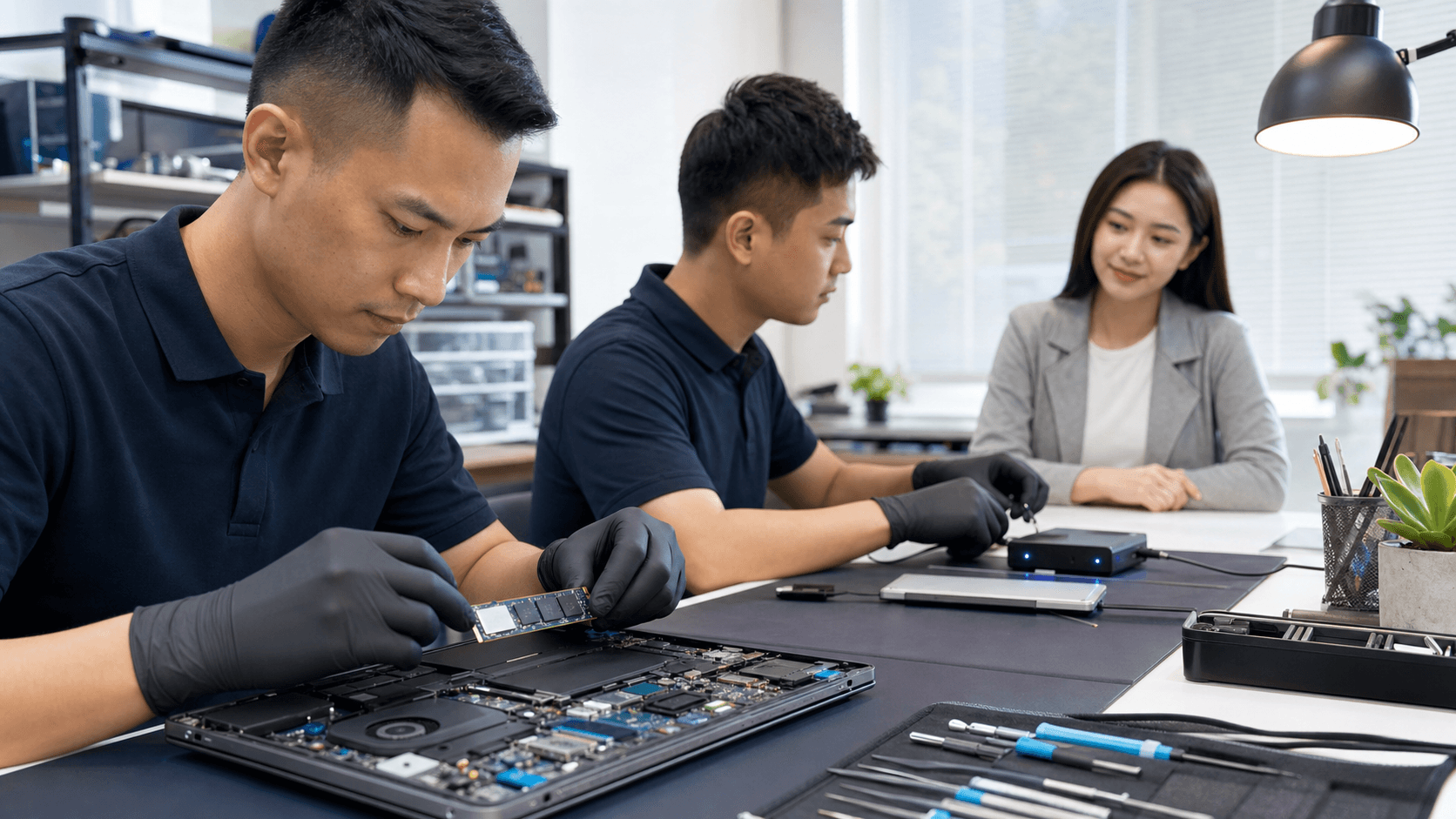
When you send a spill-damaged laptop to a professional repair center, the process should feel clear and calm, not stressful. Generally, the first goal is to understand how far the liquid went, and the second goal is to fix what is affected while keeping your data as safe as possible.
A typical workflow looks like this:
- Device check-in and a quick visual check for signs of liquid
- Detailed diagnostics to find out how far the spill went
- A clear explanation of issues found before any work starts
- A transparent quotation and your confirmation before repair
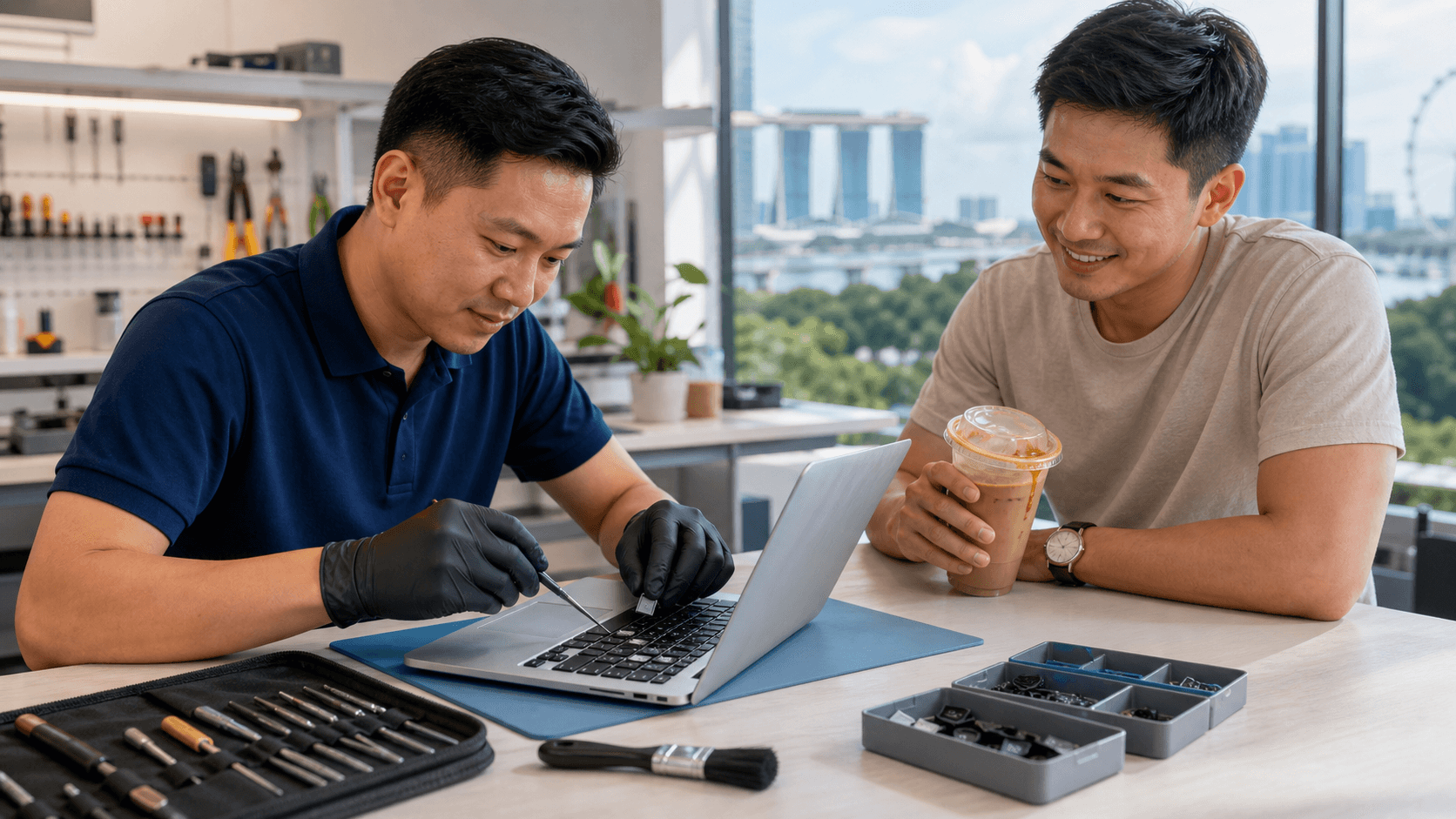
For keyboard problems from spills, common repair options include:
- Full keyboard replacement when the internal circuit is damaged
- Internal cleaning of the keyboard area and mainboard
- Checking and repairing connectors between keyboard, trackpad, and board
- Data-safe procedures so important files are kept as safe as possible
For people in Singapore, fast turnaround is a big help, and same-day or next-day repair is sometimes possible depending on parts and the level of damage. Many users rely on this for work laptops, school laptops, and gaming rigs of popular brands like Apple, ASUS, Acer, Dell, HP, Lenovo, MSI, and others.
Acting early often saves money and stress in the long run. A spill that only needs a keyboard replacement today may turn into motherboard damage or data loss if ignored.
Choosing the Right Keyboard Repair Partner in Singapore
Not every repair shop is equally ready to handle liquid damage. When your laptop keyboard is at risk, it pays to be picky, because the right assessment and handling can be the difference between a straightforward repair and ongoing issues later.
Helpful things to look for include:
- Experience with spill and liquid-damage cases
- Clear, simple explanations of the problem and solution
- Warranty on parts and labor
- Use of genuine or high-quality replacement keyboards where possible
Local experience also matters. In Singapore, we see plenty of spills from Kopitiam drinks, bubble tea, energy drinks, instant noodles, and more. It also helps when technicians are familiar with the common laptop models used by students, office workers, and gamers here, so repairs are quicker and more accurate.
A good repair partner will run focused diagnostics for liquid damage (not just basic cleaning), handle sensitive parts in a clean and controlled way, and give honest advice if repair is not worthwhile compared to replacement. Flexible options like pick-up and delivery can also help fit busy schedules, and regular updates during the process bring peace of mind so you are not left guessing what is happening with your laptop.
Prevent Future Spills and Protect Your Next Keyboard
Once you have dealt with one spill, you usually never want to repeat the experience. A few simple habits can cut the risk by a lot, especially if your laptop is often used around meals, drinks, or crowded tables.
Try these everyday tips:
- Keep drinks on a separate table or at least away from the laptop edge
- Use bottles or cups with lids, especially during late-night work or gaming
- Do not place open cups behind the screen where you forget they are there
- Keep cables tidy so they do not catch on cups
Physical protections can also help:
- Use a quality keyboard cover that fits your model, if suitable
- Set up a stable laptop stand instead of balancing it on a bed or sofa
- Wipe dust and crumbs off your keyboard regularly so keys do not stick
During the June school holidays, many students spend more time at home on laptops for games, streaming, and projects. Others choose to work from cafes more often. Both habits increase the chances of an accident, so this is a good time to reset your workspace and spill-proof your routine.
Do not forget about data safety. Even with great care, accidents still happen. Regular backups to an external drive or a trusted cloud service mean a spill does not turn a keyboard problem into a full data disaster.
Restore Fast, Reliable Typing With Expert Keyboard Repair
If sticky, unresponsive, or broken keys are slowing you down, we can quickly get your device back to smooth, accurate typing. At Singapore Laptop Repair, our technicians diagnose the issue, explain your options clearly, and provide transparent pricing before any work begins. Check our detailed service rates for laptop keyboard repair in Singapore and schedule your repair with a team that treats your laptop like it's their own.