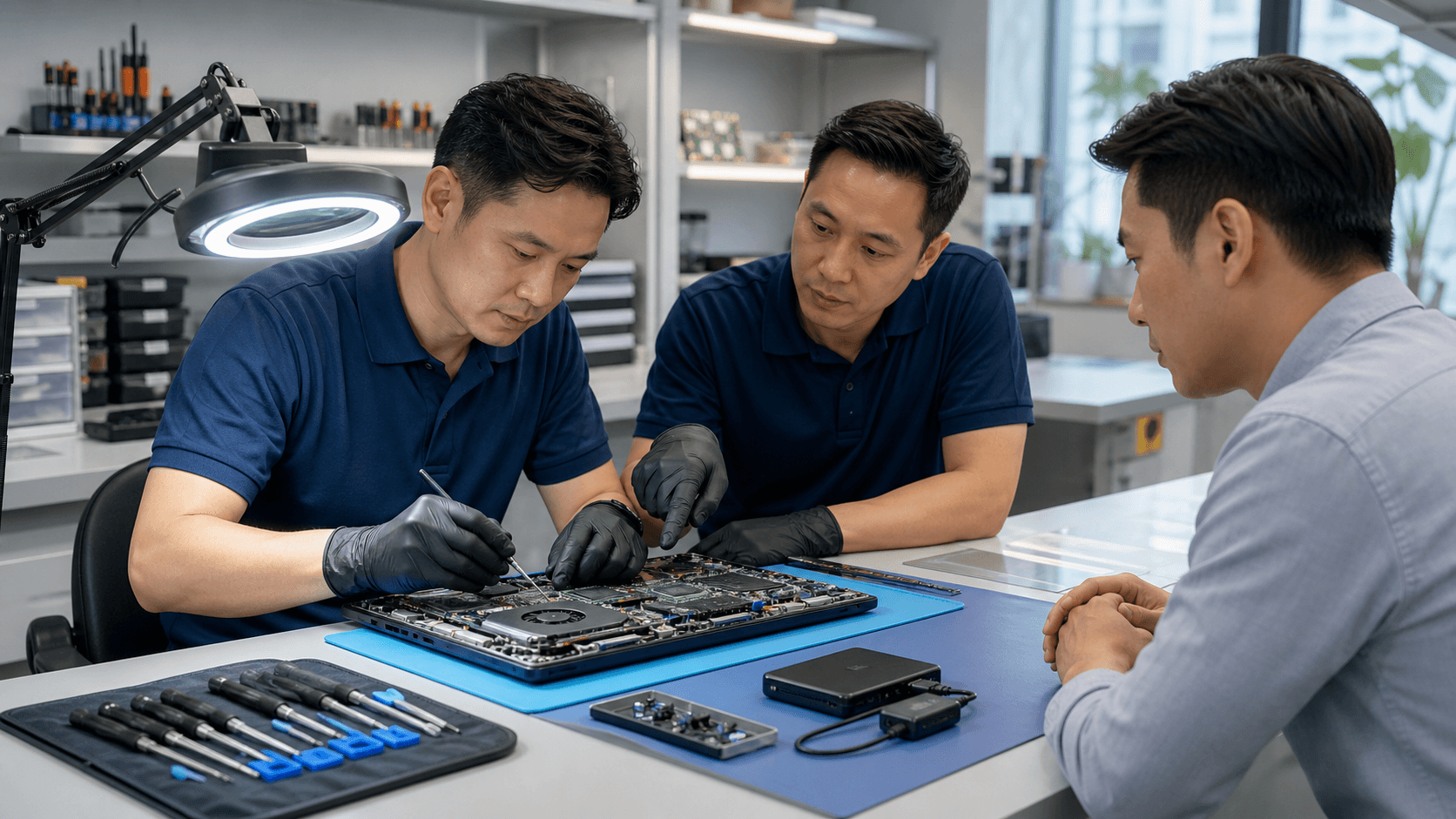

Stop Believing These Screen Repair Myths
A cracked or flickering laptop screen always seems to show up at the worst time, like right before exams, project deadlines, or flights during the mid-year break. With more students and families traveling, and more time spent on shows, games, and schoolwork, we see damaged screens spike before and after the holidays. When that happens, many people rush into quick decisions that end up costing a lot more than they should.
Wrong advice and old myths about laptop screen repair in Singapore can lead to wasted money, lost data, and long days without a working device. Some users buy a new laptop when they only needed a screen. Others let a small crack grow into a bigger problem. Our goal is to clear up these myths so you can make calmer, smarter choices that protect both your laptop and your files.
Myth 1: A Cracked Screen Means You Need a New Laptop
One of the biggest myths is that a broken screen means the whole laptop is "gone". Many people are told, especially with older models, that repair is not worth it and they should just replace the device. In real life, that is usually not true.
In most cases, only the display assembly is damaged. The rest of the laptop, like the processor, storage drive, keyboard, and ports, still works fine. Replacing the screen is a focused repair, not a full rebuild of the machine.
When we check a laptop with screen damage, we look for things like:
- Is the damage limited to the glass or LCD panel?
- Are there strange colors or patterns that suggest GPU problems?
- Are the hinges loose, cracked, or putting pressure on the frame?
- Does the laptop still boot, make sounds, and respond to keyboard and touchpad?
Professional diagnostics help separate simple display damage from deeper issues like GPU or motherboard faults. That way you do not throw away a gaming laptop, office workhorse, or student device that only needed one part changed. This is especially helpful during busy exam and project seasons, when losing all your software and data to a rushed upgrade can be far more painful than a smart repair.
Myth 2: Any Shop Can Handle Modern Screens Safely
Modern laptops are not like the thick, chunky models from years ago. Ultrabooks, Macs, and gaming laptops use very thin glass, slim bezels, and tightly packed parts. Opening them without the right tools and experience is risky.
When a screen repair is done in the wrong way, you might see:
- Scratched or cracked bezels from forcing the frame
- Broken webcams or microphones from bending the top cover
- Damaged hinges that become loose after a few weeks
- Torn display or Wi-Fi cables hidden under plastic covers
There is also the risk of static electricity. Without an ESD-safe workspace, a simple spark can damage internal chips. The result may not show up right away, but later as freezing, random restarts, or display glitches.
Modern screens also vary a lot. Some have high refresh rates for gaming, some have special coatings, and some are tuned for color work. Using the wrong panel or skipping calibration can leave the screen dull or uneven.
By using proper tools, careful disassembly steps, and panels that match the device and use case, a trained team can lower the chance of repeat failures and hidden damage. You get a screen that not only looks right, but also holds up to daily opening, closing, and travel around Singapore.
Myth 3: DIY Screen Repair Is the Cheapest Option
DIY looks tempting when you see online guides and cheap panels. For students or families on a tight budget, it can seem like a quick way to save cash. But many of the biggest costs of DIY do not show up until something goes wrong.
Common hidden costs include:
- Buying special tools you will only use once
- Ordering the wrong screen size, connector, or resolution
- Cracking the new panel during installation
- Damaging the motherboard or cables while trying to unplug parts
There are safety risks too. Sharp glass edges can cut skin. Some laptops have swollen batteries that react badly if bent or poked. Very thin ribbon cables can fail from a single hard pull.
When you add up the time spent watching videos, waiting for parts, reordering after mistakes, and living without a working laptop for school, work, or travel, the "cheap" option can turn into the most stressful one. A proper laptop screen repair in Singapore often ends up more cost-effective when you count your time, the risk of data loss, and the need for a device that just works.
Myth 4: Screen Damage Is Just a Cosmetic Issue
A small crack in the corner or a few lines across the screen can look easy to ignore. Many users tell themselves they will "live with it" until the end of the term or after a big trip. But screen problems rarely stay the same, especially with daily use, heat, and humidity.
Minor issues can grow into:
- Wider cracks that spread as you open and close the lid
- Flickering, random blackouts, and ghost images
- Dark spots that block important parts of the screen
- Pressure on the webcam area that misaligns the camera view
Ignoring display problems can also strain your eyes. You may start leaning closer, squinting, or tilting the laptop to avoid a bright line or dead zone. Over long study or work sessions, that can be tiring and frustrating.
Sometimes what looks like "just a screen problem" is a sign of a deeper issue, like a loose cable, worn hinges, or stress on the frame. In other cases, damaged glass or a bulging frame can let dust and moisture reach internal parts.
Early checks, clear diagnostics, and timely repair can stop a small crack from turning into a big failure that affects your webcam, microphone, or even the internal board. Fixing it early can keep your laptop stable for the rest of the school term or work season.
Myth 5: All Screen Replacements Are the Same
Not all replacement panels are equal. There is a big difference between original parts, good quality compatible panels, and very low-grade options. On the outside they may look similar, but the experience is not.
Lower-grade panels often mean:
- Dim screens that are hard to see in bright rooms
- Washed out colors or strange tints
- Narrow viewing angles where colors shift when you move
- Higher chance of early backlight issues or dead pixels
On top of that, some places skip deep testing after installation. Problems like random flickers, light bleeding at the corners, or poor color balance may only show up when you start gaming, editing photos, or streaming shows for longer periods.
Matching the right panel to the device and how you use it is important. A gaming laptop has different needs than a simple office machine or a student laptop. Careful testing before the laptop goes back to you helps catch issues early so you are not paying for repeat work later.
Take Control of Your Next Screen Repair Decision
Myths around laptop screen repair in Singapore can push people into buying new laptops they do not need, risking their data, or paying for the same problem again and again. A cracked screen usually does not mean a dead laptop. Not every person with a screwdriver is ready for modern, fragile displays. DIY is rarely as cheap as it looks once you count the risks and lost time. And the "cheapest" replacement screen may cost you more in frustration down the road.
A calm, professional diagnosis and clear quotation let you compare your options with real information, not guesswork. When you understand what is actually damaged, which parts fit your laptop, and how the repair will be handled, you can decide if repair or replacement makes more sense for your work, study, and travel needs across Singapore.
Restore Your Laptop's Screen Clarity Quickly And Affordably
If a cracked or flickering display is slowing you down, Singapore Laptop Repair is ready to help you fix it fast. Check our transparent pricing and options for laptop screen repair in Singapore so you know exactly what to expect before you book. We will diagnose the issue, confirm the cost, and get your laptop back to work-ready condition as soon as possible.