Protect Your Laptop From Singapore's Hidden Corrosion Threats
Humidity in Singapore is not just uncomfortable for people, and it is rough on laptops too. Add salt in the air from our coastal environment and the heavy mid-year rains, and you get a slow, hidden attack on the inside of your device. It is not only about your battery aging or your screen getting spots. Corrosion quietly eats into ports, fans, and tiny metal lines on the motherboard.
We see this often when people come in for laptop overheating repair in Singapore. The outside looks fine, but the inside tells a very different story. With a few simple habits at home, smarter storage, and knowing when to send your device for service, you can stop a lot of this damage before it becomes permanent.
How Humidity and Salt-Air Actually Damage Your Laptop
When you move a cool laptop from the aircon to hot outdoor air, condensation forms. Small water droplets can appear not only on the surface, but also inside the laptop, on metal parts and circuit boards. The same thing happens when you bring a very warm laptop straight into a cold room.
Salt-laden air makes it worse. Even if you live away from the coast, tiny salt particles travel through the air and settle on:
- Cooling vents
- Ports like USB and HDMI
- Fans and heatsinks
- Exposed parts of the motherboard
Moisture plus salt creates a thin, sticky layer that holds water and becomes slightly conductive. Over time it can:
- Corrode metal contacts and screws
- Cause tiny short circuits between components
- Trap heat so parts run hotter than they should
You may notice symptoms like the fan running loud even with light use, ports that only work sometimes, or your Wi-Fi disconnecting without reason. Random freezes, shutdowns, and sudden slow performance are also common signs. Many people think it is just old age or software problems, but inside there can already be heavy corrosion building up.
Daily Cleaning and Care to Slow Corrosion Damage
You do not need to open your laptop to help it last longer. Gentle, regular cleaning on the outside can remove dust and salt before they reach deeper parts.
For basic cleaning at home, try this:
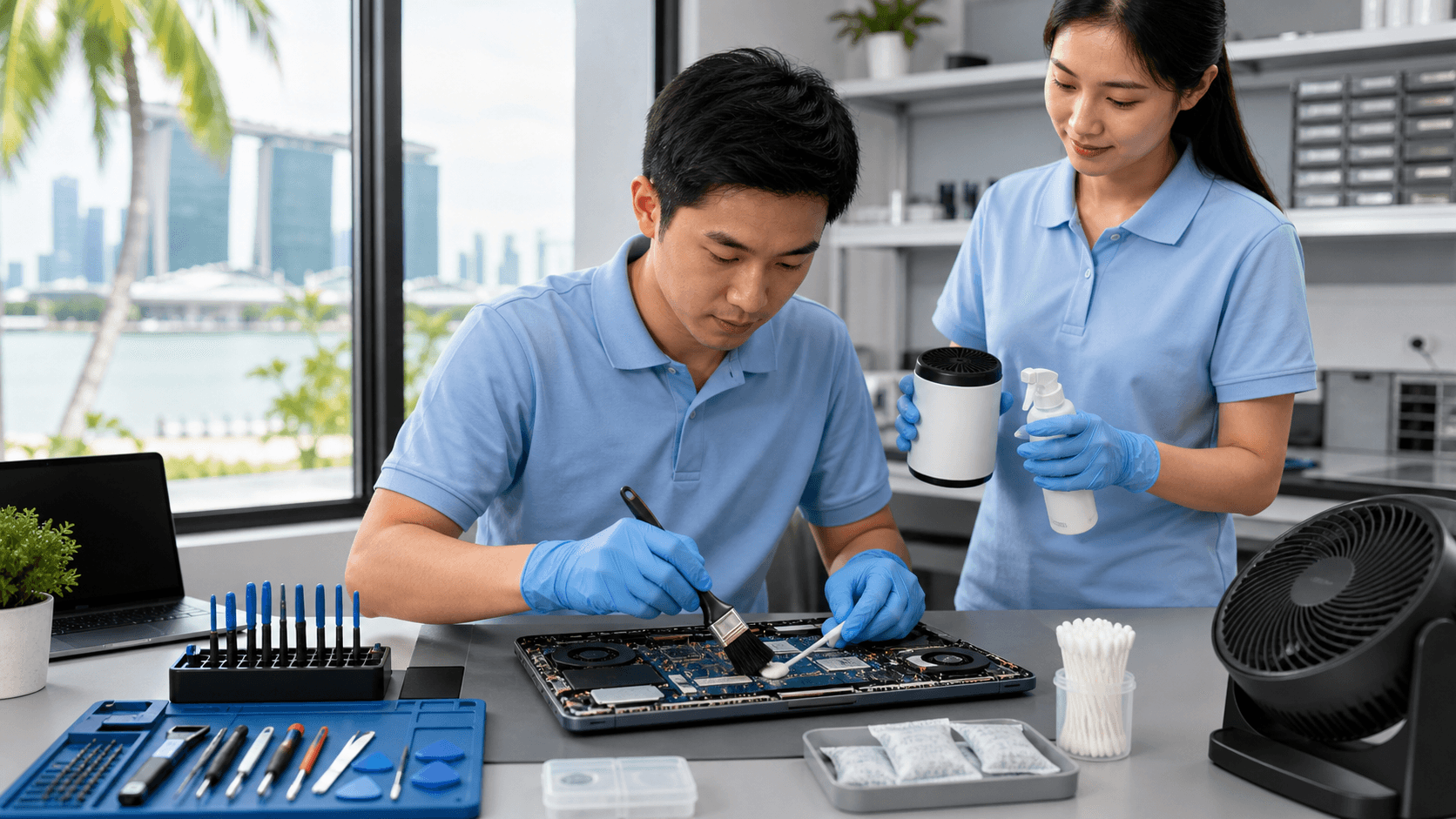
- Use a soft, clean brush to sweep dust from vents and ports
- Hold a can of compressed air upright and spray from a short distance, in short bursts
- Turn the laptop off before cleaning, and keep the nozzle away from the fan to avoid spinning it too fast
- Wipe the case with a slightly damp cloth, then dry it right away
Usage habits matter too. Try to:
- Avoid using your laptop for long periods on beds, sofas, or your lap, where fabric blocks vents
- Keep drinks and wet towels away from your device
- If your bag strap gets sweaty, let the laptop cool and dry after you reach your destination
- If your laptop or bag gets rained on, do not power it on until it has had time to dry
Around the heavier mid-year rains, it helps to be extra careful. After being outdoors, do a quick wipe of the case and vents to remove surface moisture and dust. If your laptop feels cold from aircon and you just came in from the rain, let it sit a few minutes before doing heavy work. This gives it time to warm to room temperature and lowers the risk of condensation forming inside.
Smart Storage Strategies for Singapore's Climate
Where your laptop lives between uses has a big effect on corrosion. High humidity, warm spots, and poor airflow speed up damage.
For everyday storage, try to:
- Keep laptops on a clean, open shelf instead of a stuffed drawer
- Avoid placing them near windows, open balconies, or aircon drip points
- Keep them away from kitchen steam and bathrooms
- Do not leave them on the floor, where heat and humidity are often higher
If you need to store a laptop for a longer period, simple moisture control can help. Silica gel packs in the bag or storage box can reduce dampness around the device. A dry cabinet is even better if you already use one for cameras or electronics. Contrary to what many people think, a fully sealed drawer in a humid room can turn into a sweaty box, so light ventilation is usually safer than tight sealing without any moisture control.
When traveling or commuting to the office, use a padded, water-resistant bag with enough room for air to move. After walking in the rain, take the laptop out of the bag once you are indoors and let it dry in open air. Also, avoid leaving laptops plugged in right next to humid windows or on balcony tables. Long hours of power plus moisture in the air are a rough combo for internal parts.
When Corrosion Leads to Overheating and Repairs
Corrosion does not only affect ports and small components, it also affects cooling. Dust mixed with salt and moisture sticks to fans and heatsinks and blocks vents. This restricts airflow, so the laptop runs hotter, the fan has to spin harder, and performance begins to drop.
Some warning signs are easy to miss until they become serious:
- Fan bursts to high speed with light tasks
- Sudden slowdowns or freezing during video calls or games
- Hot spots on the keyboard or palm rest area
- A faint burnt or metallic smell when the laptop is under load
- Battery swelling or the bottom cover not sitting flat
- Green or white residue on screws, ports, or around the hinge
Trying to fix these problems yourself can be risky. Blowing strong compressed air straight into vents can push moisture and dirt deeper inside. Household cleaners can leave residue that makes corrosion worse. Even if you clean the fan from the outside, hidden damage on the motherboard may only appear when the laptop is hot or under heavy use, which is hard to test at home.
How Professional Service Stops Damage From Spreading
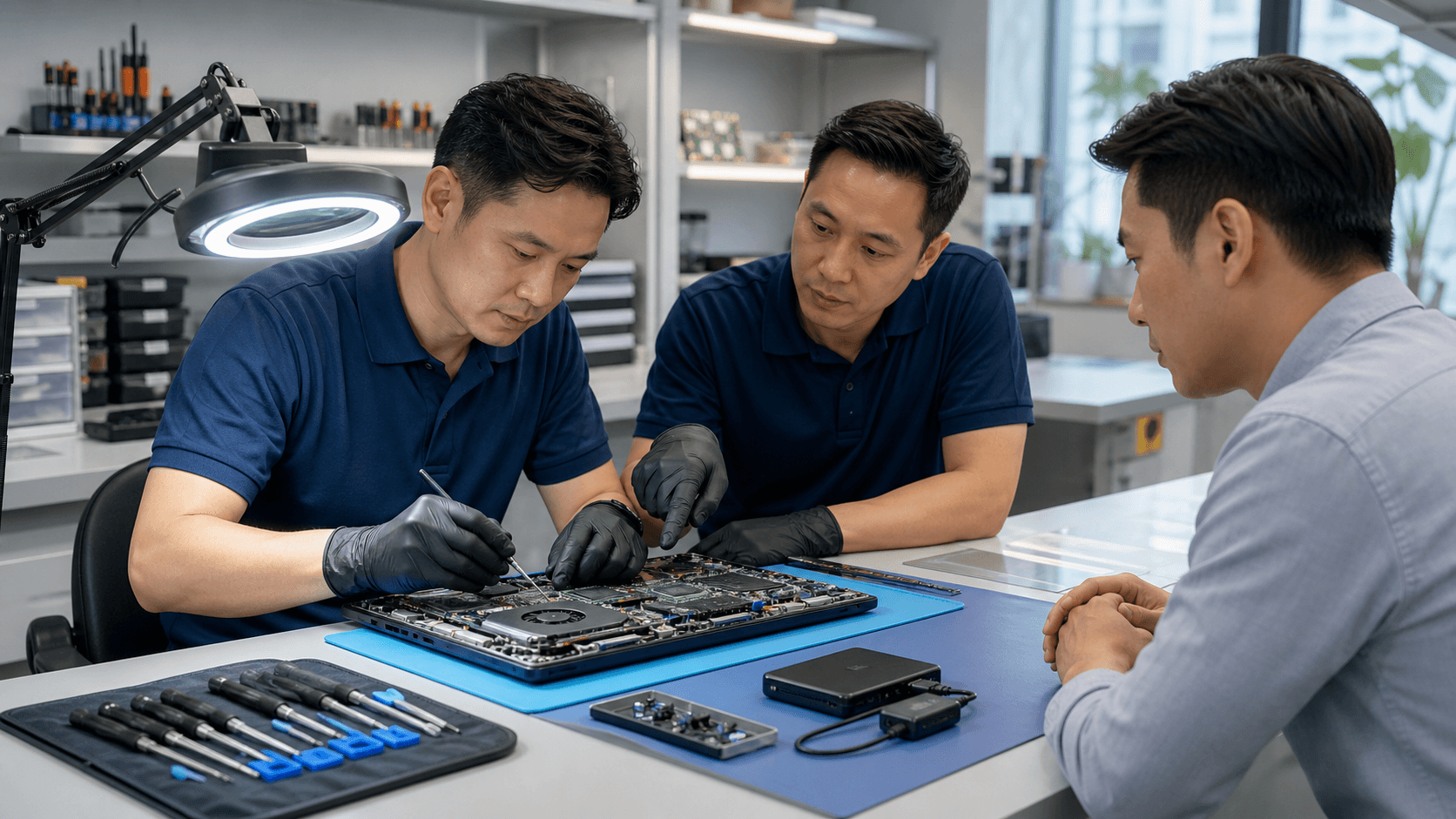
When corrosion has started, careful internal work is often the only way to stop it from spreading. At a repair shop, trained technicians can safely open the laptop, check each section, and see what is really going on.
A proper service can include:
- Inspecting fans, heatsinks, and vents for rust and stuck debris
- Cleaning boards and components with the right tools and solutions
- Replacing parts like damaged ports, fans, or corroded connectors
- Refreshing thermal paste so the CPU and GPU run cooler
If there are signs of moisture damage near storage drives, professionals can also focus on protecting your data as much as possible. Board-level repairs and careful port restoration work can often save a device that many people would think needs full replacement. This is especially true for cases that start as a simple laptop overheating repair in Singapore but turn out to be corrosion-related.
By catching the problem early, you lower the chance of sudden failures, data loss, or dangerous shorts. In a humid place like ours, regular professional cleaning and checks are a smart way to extend the life of your laptop and keep it running safely and smoothly.
Stop Permanent Damage From Overheating and Restore Your Laptop's Performance
If your laptop is running hot, slowing down, or shutting off unexpectedly, our technicians at Singapore Laptop Repair are ready to help. Take a look at our transparent pricing for laptop overheating repair in Singapore so you know exactly what to expect before you book. We will diagnose the root cause of the heat issues, explain your options clearly, and get your laptop back to a safe, reliable operating temperature.