When Your Samsung Phone Feels Too Hot to Handle
A Samsung phone that suddenly becomes too hot to hold and then shuts down is not just irritating; it can be a warning sign. Overheating affects performance, shortens battery life, and in extreme cases can damage internal components. Many people in Singapore tell us their Samsung phones heat up badly during charging or gaming, then switch off by themselves.
Modern phones pack a lot of power into a thin shell. The battery stores energy and releases it as your apps, screen, and radios draw power, while the processor works hard to run everything smoothly. Heat is a normal side effect of this activity, but when it builds up faster than the phone can release it, temperatures can reach unsafe levels. At Singapore Laptop Repair, we often see real-world triggers like incompatible charging cables, aggressive fast charging, heavy gaming, and apps that keep working silently in the background.
In this article, we will explain the common causes of Samsung battery overheating, how to tell when things are getting dangerous, what you can safely try at home, and when it is smarter to get professional Samsung phone repair instead of risking a DIY mistake. The goal is to help you keep your phone cooler and protect your data, just as smart users already do with laptop repair in Singapore.
Main Causes of Samsung Battery Overheating
One of the most common reasons we hear about overheating is incompatible or poor-quality charging cables. Cheap or unknown-brand cables can deliver unstable voltage or current. That instability puts extra stress on the battery and the charging circuits, which then release excess heat. Many customers who come to us with overheating Samsung phones have been using whatever cable was nearby, sometimes mixed with powerful third-party fast chargers, and that combination can cause the phone to heat up rapidly while charging.
Another major cause is having too many apps and background processes running at once. Games, video calls, GPS navigation, and social media can all keep the processor at high load. The harder the processor works, the more heat it generates. On top of that, some apps are poorly optimized or keep running hidden tasks in the background, such as auto-sync, constant notifications, or even malware activity. If you do all this while the phone is plugged in, the heat from charging stacks on top of processor heat, and temperatures rise quickly.
Environmental and usage factors play a big role too, especially in a warm, humid place like Singapore. Leaving your phone in direct sun on a car dashboard, placing it on hot surfaces, or using a very thick, non-ventilated case can trap heat. Using the phone for gaming or streaming while charging means the battery is working hard, even as it is trying to take in energy, which speeds up wear and heat buildup. Older batteries, swollen batteries, or batteries that were previously exposed to water damage are also more likely to overheat because their internal structure is already stressed.
How to Tell If Your Samsung Battery Is in Trouble
There are warning signs you should not ignore. These include the back of the phone becoming very hot, not just warm, sudden restarts or shutdowns, charging that stops by itself, or the battery draining much faster than usual. The software may warn you as well. You might see Android or Samsung alerts about device temperature, or messages that certain apps are being limited because of heat.
Physical red flags are even more serious. If you notice the back cover lifting slightly, the screen bulging, or the phone not sitting flat anymore, that can be a sign of battery swelling. Any burning smell or scorch marks near the charging port are also danger signs. In these cases, it is important to stop using the phone and seek professional help as soon as possible.
You can do a few safe checks at home. Open your battery usage screen and see which apps are using the most power, then close or uninstall anything suspicious or very high-drain that you do not really need. Test the phone with an original Samsung cable and charger to see if overheating improves. Remove the case while charging and move the phone to a cooler, shaded place to check whether temperatures drop.
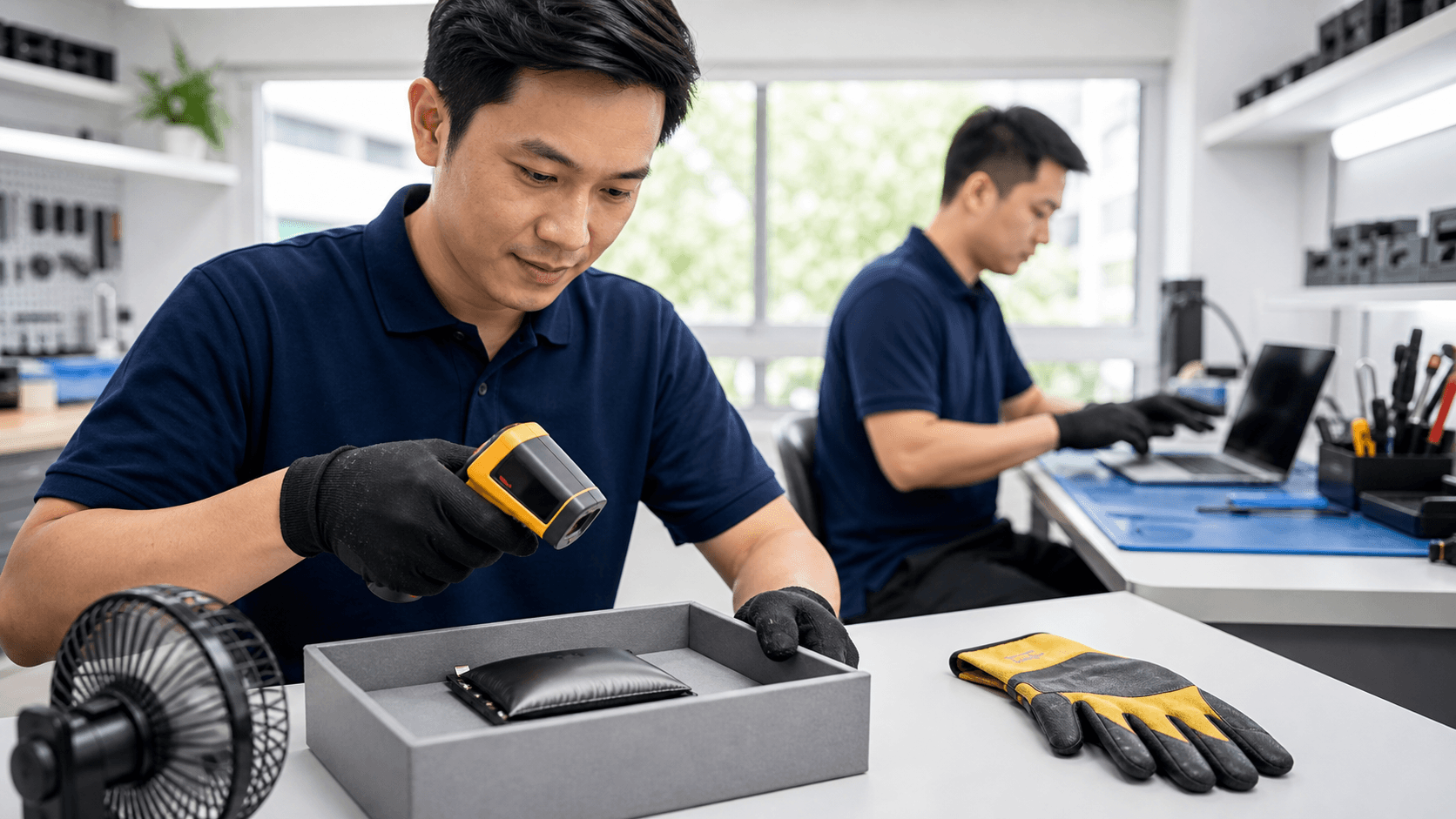
Normal warmth is expected. Mild heat while gaming or charging, where the phone feels warm but still comfortable to hold, is usually fine. Dangerous overheating is different: the phone feels painful to touch, shuts down frequently, or shows repeated temperature warnings. Ignoring that kind of heat can shorten battery life or cause failure. Just as with expert laptop repair in Singapore, professional Samsung phone diagnostics use proper tools to test battery health, charging circuits, and temperature sensors safely.
Safe Fixes to Try Before Visiting a Repair Shop
If your Samsung phone is too hot, start by cooling it the right way. Unplug the charger, turn off mobile data and Bluetooth, close all apps, and let the phone rest in a cool, shaded area with good airflow. Avoid putting the phone in a fridge or freezer or pressing it directly against a very strong fan. Sudden temperature changes can cause condensation inside the device or crack components.
Restarting the phone often helps, because it clears temporary processes and resets misbehaving apps. Safe Mode can be useful too, since it disables third-party apps. If the phone runs cooler in Safe Mode, you know that one or more installed apps are likely contributing to the problem.
Improving your charging habits can also reduce overheating. Helpful steps include:
- Use original or high-quality, certified Samsung-compatible cables and chargers
- Avoid long gaming, video calls, or GPS navigation while charging
- Unplug the charger once the battery reaches roughly 80 to 90 percent
- Keep the phone on a hard, flat surface while charging, not on a bed or couch
It is also worth checking the charging port for visible dust or lint and being careful not to use bent or damaged cables that might short or heat up.
Software tweaks can lower heat as well. Make sure Android and Samsung software are updated, since updates often include performance and thermal management improvements. Disable unused features like 5G when not available, always-on GPS, or constant background sync for rarely used apps. Use built-in device care or battery tools to spot power-hungry apps and limit their activity automatically.
When You Need Professional Samsung Phone Repair
DIY steps have limits. If your Samsung phone still overheats badly even with an original charger, or if the battery drains extremely fast, the problem may be deeper. A swollen back cover, burning odors, or visible smoke are serious safety issues. Continuous shutdowns or boot loops after the phone gets hot can point to damaged power circuits, battery cells, or even motherboard faults.
Opening a sealed Samsung phone without training and proper tools is risky. It can damage the screen, cables, and waterproof seals, and may void any remaining warranty. A professional assessment is safer and more effective.
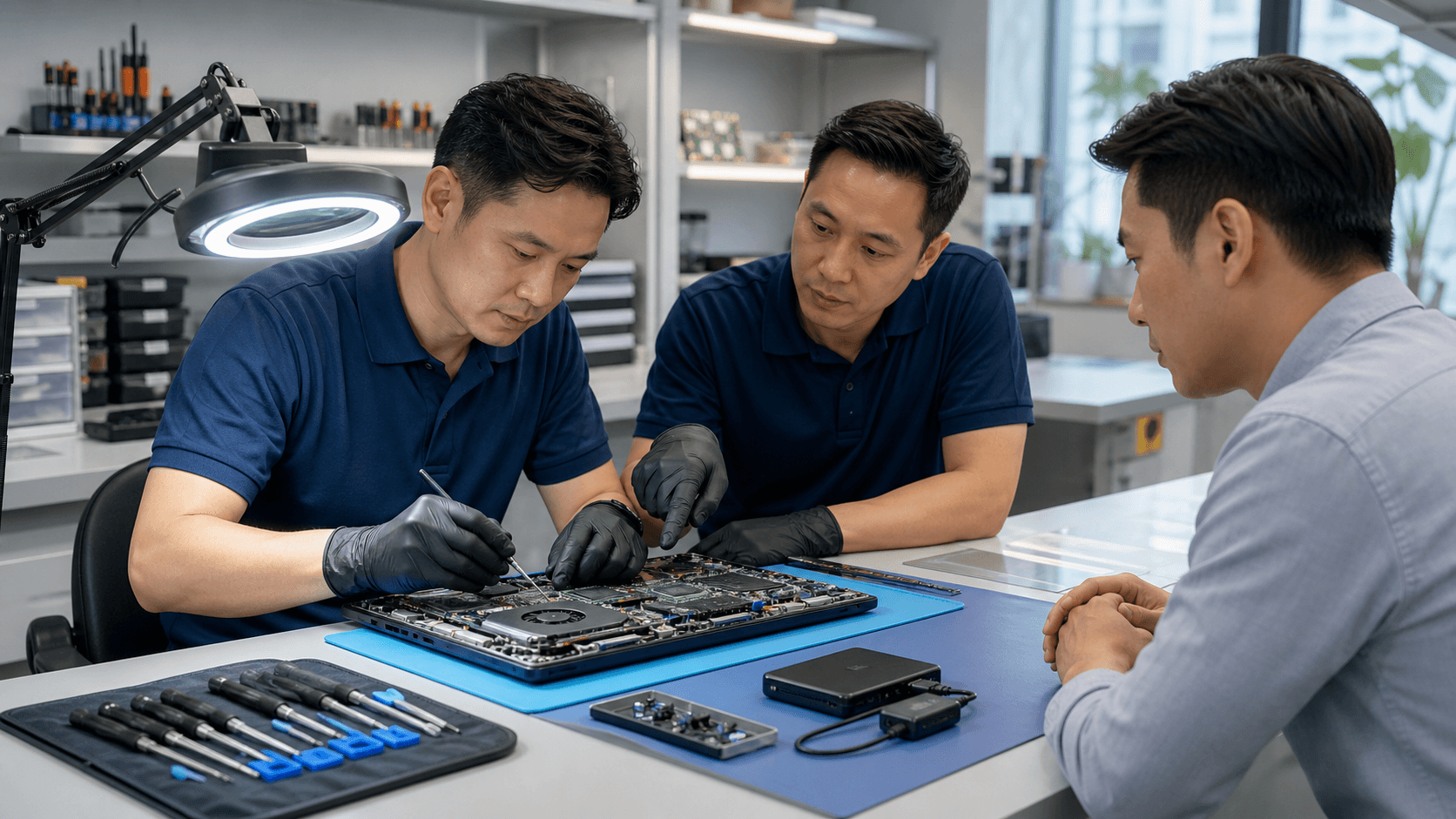
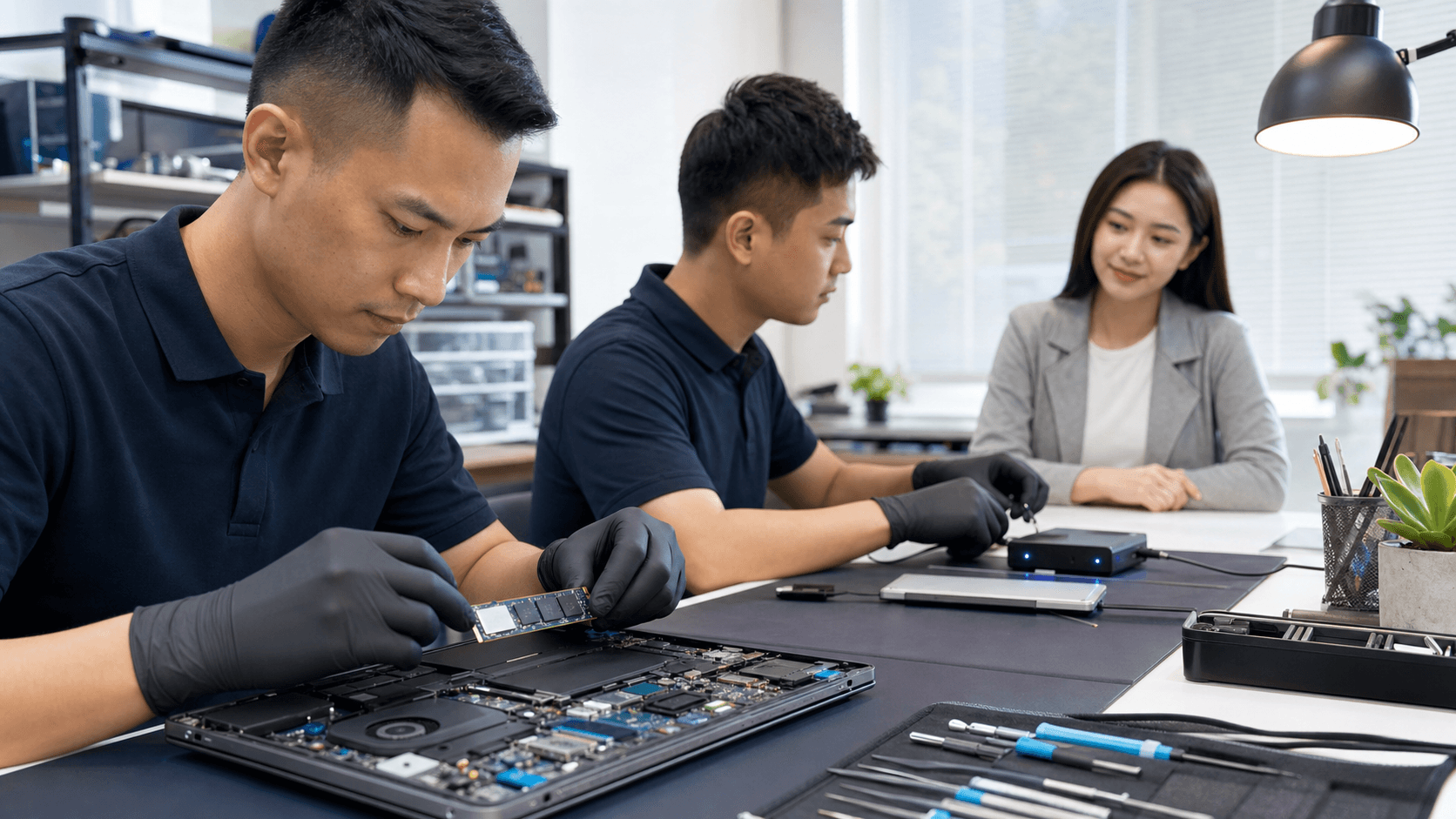
During a repair assessment, a technician typically checks battery health, the charging port, motherboard components, and internal temperature sensors using diagnostic equipment. Samsung phone repair might involve safe battery replacement, work on charging controller chips, or cleaning internal components and the port. The process is similar in spirit to expert laptop repair in Singapore, where careful diagnostics and quality parts help restore performance and stability.
Smart Habits to Prevent Samsung Battery Overheating
Good habits make a big difference in daily use. To keep your phone cooler, try to:
- Avoid direct sun exposure, especially in parked cars
- Keep the phone off soft surfaces while charging
- Remove bulky cases during heavy gaming or long video calls
- Skip unofficial "super-fast" chargers that are not clearly compatible
Shorter charging sessions are gentler than leaving the phone plugged in all night. During long gaming or streaming sessions, take short breaks and let the phone rest so heat can dissipate.
For long-term battery health, aim to keep your charge usually between about 20 and 80 percent when possible. Uninstall apps you do not use and review battery usage regularly, so you can spot a misbehaving app before it causes major heat problems. As batteries age, a bit of extra warmth can be normal, but sudden changes or extreme heat should prompt a professional check.
These ideas do not only apply to phones. Laptops, gaming PCs, and game consoles are also vulnerable to heat buildup. Professional cleaning, proper thermal paste, and good ventilation are standard parts of quality laptop repair in Singapore and help keep those devices running reliably. Thinking of heat management as a basic part of caring for all your electronics will pay off in better performance and fewer surprises.
Keep Your Samsung Cool and Your Data Safe
Overheating Samsung phones are common, but severe or frequent heat is not something to shrug off. Incompatible cables, heavy apps, background processes, and poor charging habits are often at the root of the problem. By watching for warning signs, cooling your device properly, and making a few practical changes to how you charge and use your phone, you can prevent many overheating issues before they turn serious.
If you notice swelling, burning smells, repeated automatic shutdowns, or heat that feels dangerous, it is important to stop using the device and get a professional assessment. Acting early helps protect both your Samsung phone and the photos, messages, and work data stored inside, just as timely laptop repair in Singapore protects the rest of your digital life.
Get Fast, Reliable Laptop Repairs You Can Trust
If your device is slowing you down, our experienced technicians at Singapore Laptop Repair are ready to help you get back to work quickly. Learn how our laptop repair in Singapore service can diagnose issues accurately and fix them with quality parts. Reach out today through our contact page to schedule a convenient appointment or request a quote. We will explain your options clearly so you can choose the repair solution that fits your needs and budget.