When a Dead Laptop Does Not Mean a Dead End
A laptop that suddenly goes dark in the middle of exam season or a packed work week can feel like a disaster. One moment you are typing, the next there is a click, a flicker, then nothing. You press the power button, but there is no response. Charger in and out, still dead. For many people in Singapore, this happens right when school projects pile up or mid-year work targets are due.
One of the most serious causes of this kind of failure is a bad motherboard. It is the main board that connects your CPU, memory, storage, display, and power. When it fails, the laptop can feel completely gone. The good news is that a dead motherboard does not always mean the laptop is finished. With the right checks, many of these problems can be fixed and the device can keep going for years.
In this article, we will walk through common signs of motherboard trouble, what technicians actually do during repair, how to think about repair versus replacement, and how to pick a shop you can trust. As a professional repair team in Singapore, we know that a clear, fast diagnostic is the first step to knowing if laptop motherboard repair in Singapore makes sense for you.
Common Signs Your Laptop Motherboard May Be Failing
Motherboard problems can look scary, but the early hints are often small. Some warning signs include:
- Laptop not powering on at all, even with the charger plugged in
- Power lights or keyboard backlight turning on, but the screen stays black
- Random shutdowns or restarts while you are working or playing games
- Battery that charges on and off, or only at a certain angle of the charger
- USB ports, keyboard, or touchpad suddenly not working for no clear reason
- Burning smell, smoke, or visible scorch marks near the vents or ports
These symptoms can also be caused by other parts. For example, a dead battery, a worn charger, bad RAM, or a faulty SSD can copy some of the signs of a bad motherboard. That is why guessing at home often leads people down the wrong path.
A proper diagnostic usually checks:
- Charger and power socket
- Battery health
- RAM and storage
- Display cable and screen
- Motherboard power circuits
During busy mid-year travel or project periods, it is better to get these signs checked early. Waiting until the laptop totally dies can make repair harder and puts your files at higher risk. Fast testing can help save both your time and your data.
What Technicians Actually Do During Motherboard Repair
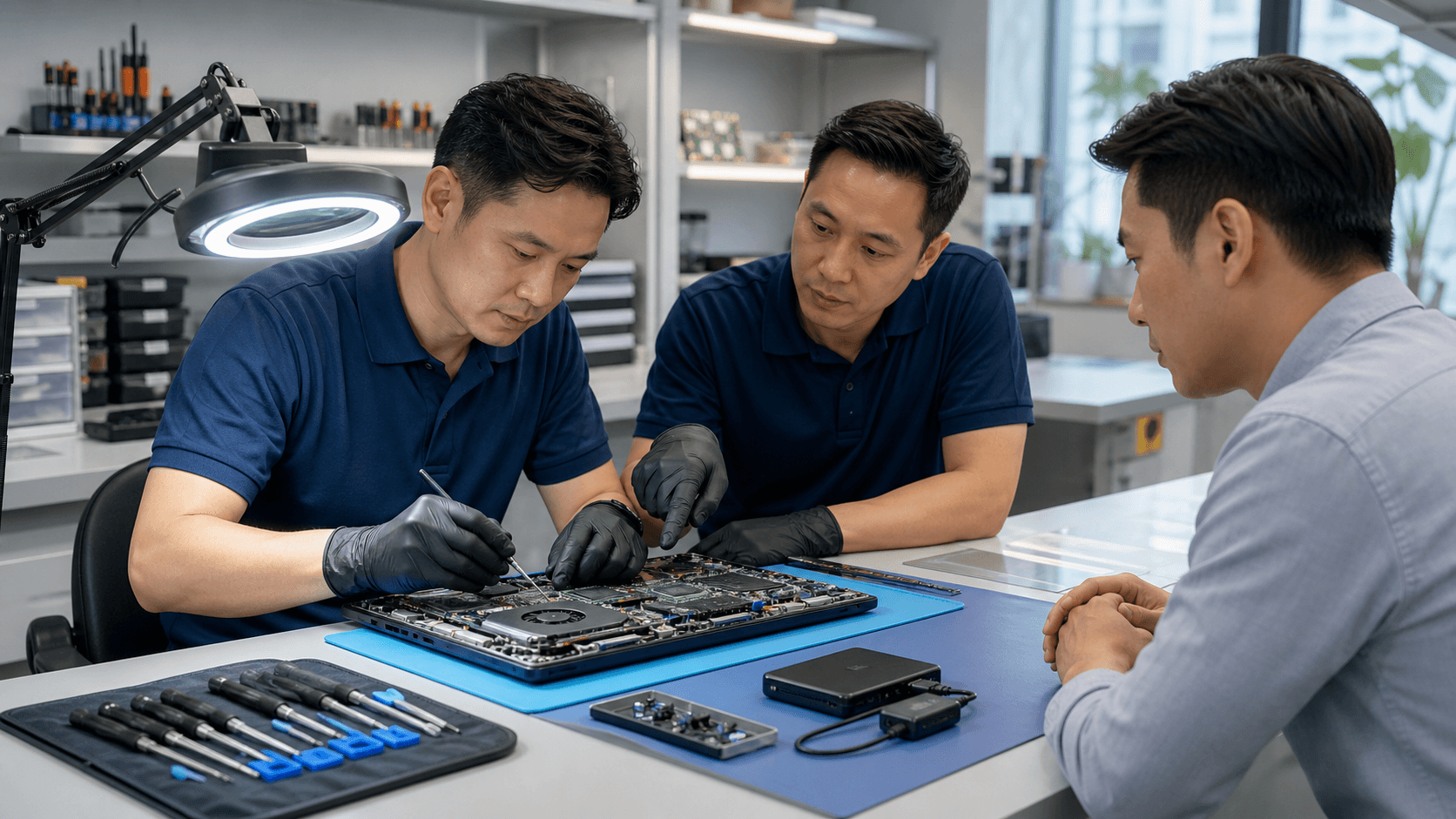
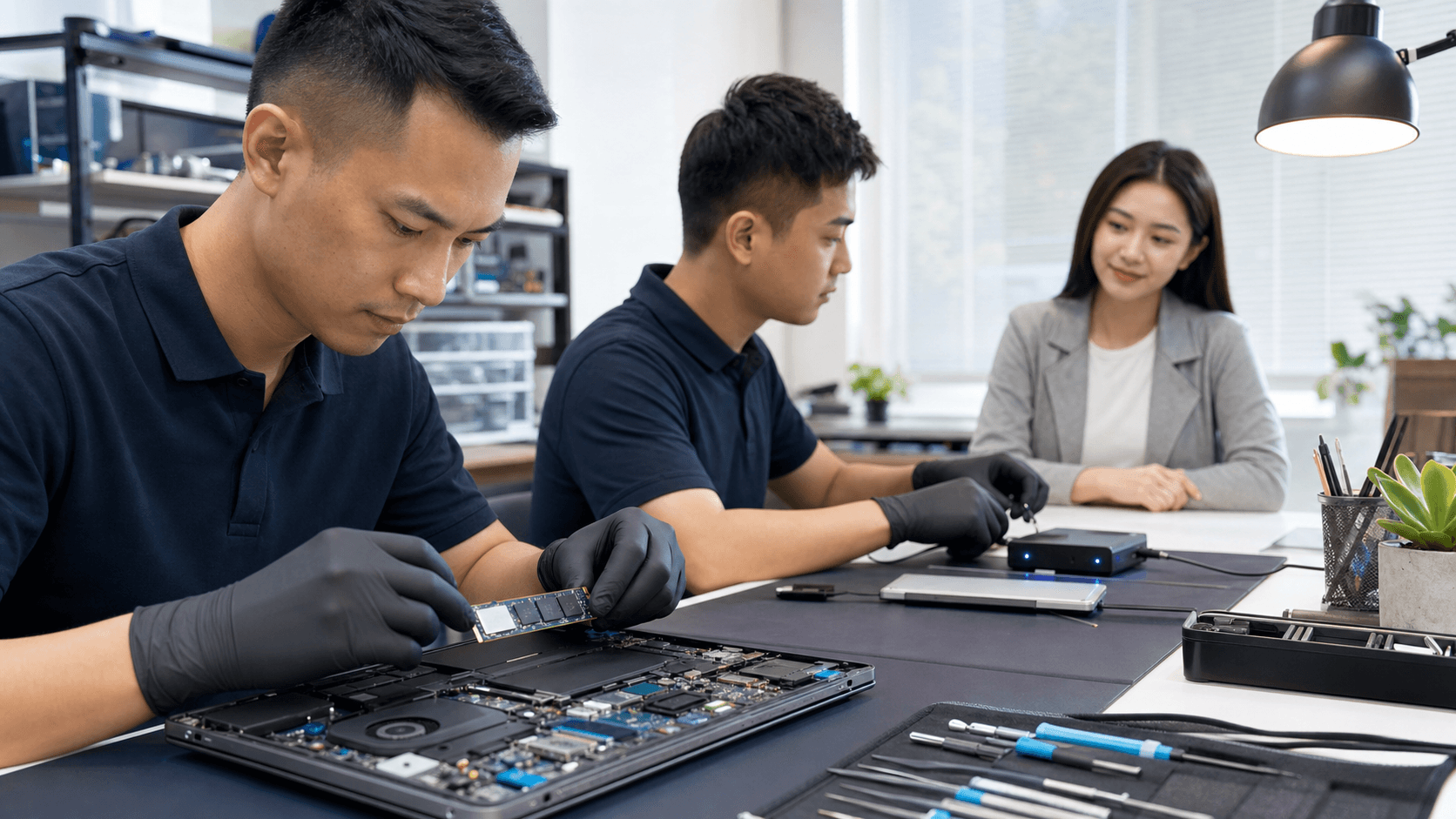
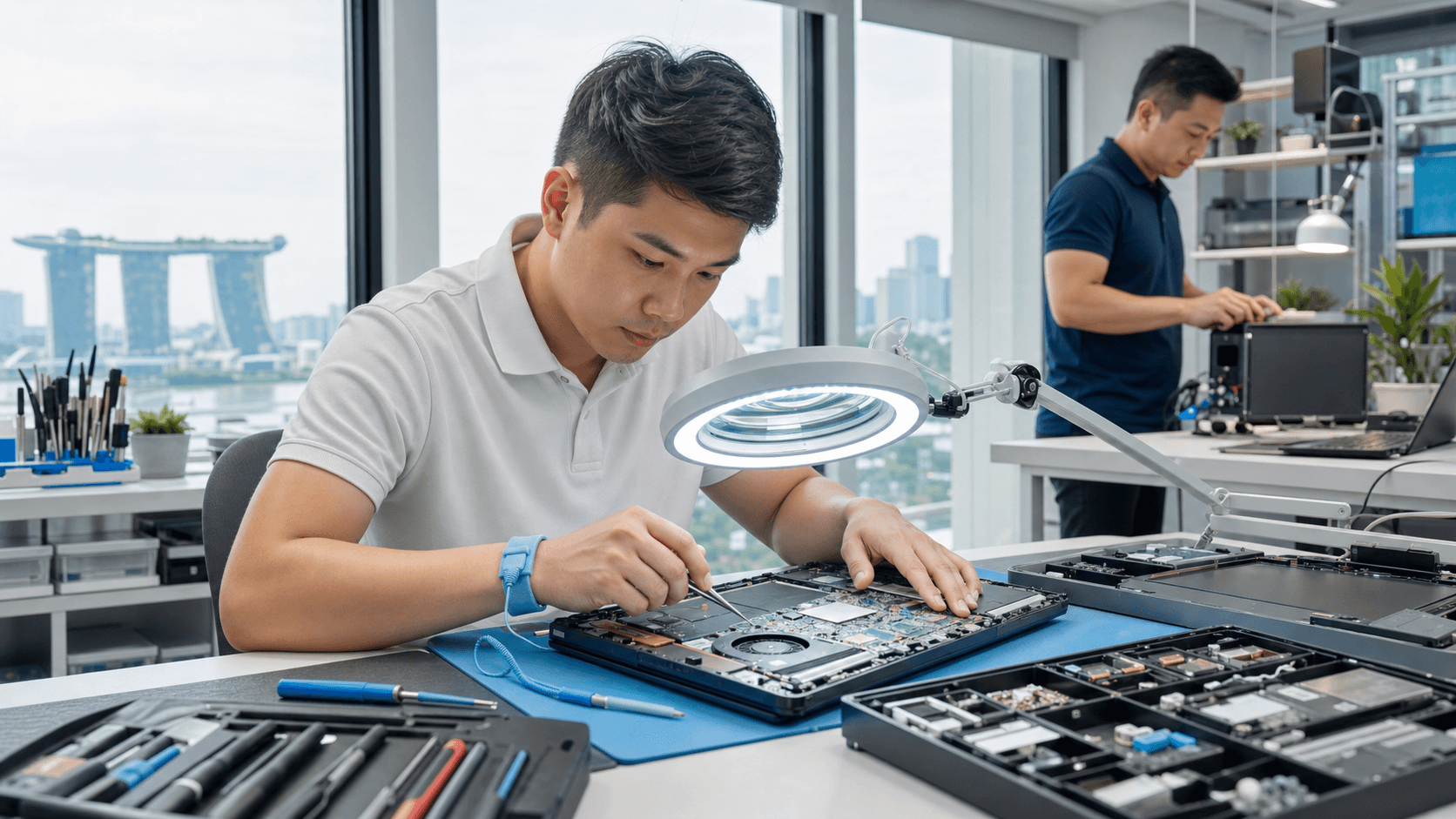
Motherboard repair sounds like magic, but it is really a careful, step-by-step process. Our team starts with a visual inspection. We look for burn marks, loose parts, liquid stains, or cracked connectors. Sometimes the problem is already clear at this stage.
Then we move on to deeper checks, such as:
- Testing power rails with special tools to see where electricity stops flowing
- Measuring parts like capacitors, resistors, and power ICs
- Thermal checks to spot chips that overheat in seconds
- Using board schematics to trace faulty circuits around the power, charging, or display areas
Common fixes for motherboard issues include:
- Replacing burnt power ICs that control charging or main power
- Repairing charging circuits that stop the battery from filling up
- Re-soldering loose chips, ports, or connectors caused by heat or knocks
- Cleaning and fixing corrosion after liquid damage
- Working on GPU or VRAM faults on some gaming laptops
A reputable shop will always start with a quick diagnostic, then share a clear quote and explanation. If parts are not available or the repair is not likely to last, a good technician will tell you, not push the job. The goal is to give you a stable laptop, not just a short-term patch.
Repair or Replace Your Laptop This Year
When the motherboard fails, many people ask the same question: is it worth fixing, or should we move on to a new machine? There is no one answer, but a few points can help.
Things to consider include:
- Age of the laptop and how hard it has been used
- Original quality and price level, for example budget model or high-end workhorse
- Whether the laptop still meets your performance needs
- How easy it is to get parts for that model in Singapore
In general, motherboard repair can be a good idea for mid to high-end laptops that are still fairly recent and powerful enough for your current work, study, or gaming. A successful repair can give you another 1 to 3 years of use, which can be very helpful when you are in the middle of school terms or big projects and do not want to set up a new system right now.
On the other hand, if the laptop is very old, very slow, or has had several big repairs in the past, replacing it might be the smarter move. Seasonal mid-year sales and promotions can make that choice more attractive. Still, even if you plan to replace the laptop soon, a fast diagnostic can help you get your data safely off the old one.
How to Choose a Trusted Motherboard Repair Shop
Not all repair shops work on motherboards at the same level. Some only swap whole boards, while others do real component-level work. When you are dealing with a dead or unstable laptop, the shop you pick makes a big difference.
Useful things to look for are:
- Clear, step-by-step diagnostics instead of quick guesses
- Transparent pricing and a proper quote before work starts
- A written warranty for the motherboard repair work
- Use of quality parts and proper tools
- Willingness to explain the pros and cons of fixing versus replacing
In-house motherboard skills are especially important for gaming laptops, Macs, workstations, and devices like the Nintendo Switch. These machines can have more complex boards that need careful handling.
Since we work in Singapore, we also see how much convenience matters. Pick-up and delivery, fast turnaround, same-day or next-day checks, and easy updates over WhatsApp or phone can remove a lot of stress. A good shop will also give honest advice when repair is not worth it, instead of trying to fix everything at any cost.
Maximizing Your Chances of a Successful Repair
If you suspect a motherboard problem, what you do in the first few hours can affect the outcome. A few simple steps can help:
- Stop trying different random chargers or cables
- If the laptop was exposed to liquid, turn it off and keep it off
- Do not keep pressing the power button if you smell burning or see smoke
- Avoid opening the laptop on your own; this can cause more damage
Early intervention often makes repair easier and helps keep costs lower, especially for liquid damage or overheating problems. When the board keeps getting power while it is shorted, more parts can burn, which makes the job harder.
Data safety is also a big part of laptop motherboard repair in Singapore. Even if the motherboard is dead, your data is often still on the SSD or hard drive. Professional technicians can usually remove the drive, test it, and recover your files or move them to another device. It is good to talk about data needs right at the start, so the repair plan fits what matters most to you.
Restore Your Laptop's Performance With Expert Motherboard Repair
If your laptop is crashing, overheating, or refusing to power on, we can diagnose the issue quickly and recommend the most cost-effective fix. At Singapore Laptop Repair, our technicians handle complex board-level work every day, so you do not have to guess what is wrong or replace your laptop too soon. Review our transparent pricing and options for laptop motherboard repair in Singapore, then reach out so we can get your device back to reliable performance.