
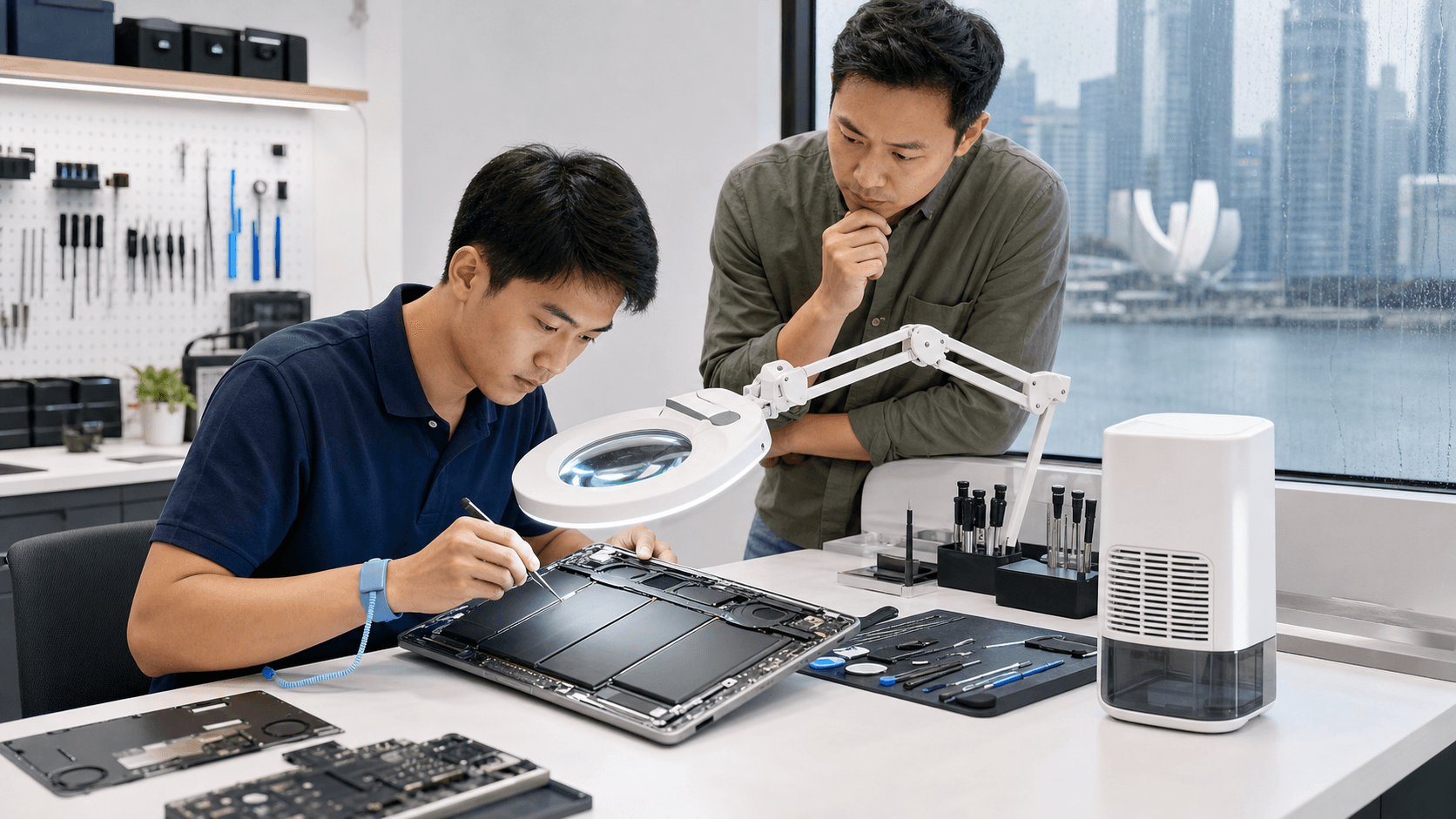
You press the power button on your MacBook before work or school, expecting the familiar chime and glow. Instead, the screen stays black, the room feels extra humid after overnight rain, and your heart sinks. In Singapore, this kind of no-power scare often shows up right after a sticky, damp spell or heavy AC use.
Humidity and heat in our climate can slowly stress your MacBook from the inside. In this guide, we will walk through what might be happening, what you can safely check on your own, when to stop trying, and how professional MacBook repair in Singapore can bring your laptop back and protect your data.
When Your MacBook Stays Dark on a Humid Morning
You might wake up, make your coffee, sit by the window, and open your MacBook to get a head start on the day. The air feels heavy, the windows are fogged a little, and your laptop is cool from a night in air conditioning. You hit the power button, but nothing lights up. No sound, no logo, nothing.
In our warm and damp weather, tiny amounts of moisture can build up inside your MacBook over time, especially when it keeps moving between cold indoor air and hot outdoor air. Components inside can slowly corrode, and connections can get weaker long before the laptop fully refuses to turn on.
We want to help you respond calmly. We will cover what you can safely try at home, when it is smarter to stop DIY steps, when to look for expert MacBook repair in Singapore, and the habits that lower your chances of facing this black screen again.
How Singapore's Humidity Silently Damages MacBooks
Every time your MacBook moves from a cold AC room to the warm, damp outdoors, small water droplets can form on and inside it. This is condensation, and it does not need to look like a spill to cause trouble. Over time, that moisture can start to eat away at tiny metal parts.
Here is what often happens inside:
- Moisture slowly oxidizes connectors and ports
- Corrosion forms on the logic board and power circuits
- Tiny gaps in connections create random glitches, then full power failure
Humidity also makes dust stick. That dust can turn into a dirty, slightly sticky layer inside the laptop. When dust mixes with moisture, it can become weakly conductive, which can lead to:
- Short circuits that cause surprise shutdowns
- Sticky or unresponsive keys
- Trackpad clicks that trigger by themselves
- Batteries that heat up or swell
Around the middle of the year, people often run AC harder while the outdoor air stays very humid, especially during rainy spells. If your MacBook sits in a closed bag, inside a car, or near a slightly open window, it can be exposed to warm, damp air with poor airflow. That kind of storage slowly raises the risk that one day, it simply will not power on.
Quick Checks Before You Panic About MacBook Repairs
When your MacBook will not turn on, start with simple, safe checks outside the device. You do not need tools for these.
Basic power checks:
- Test the power outlet using another device
- Look at your charger and cable for burns, cuts, or fraying
- Try a different, known-working charger if you have one
- Avoid cheap, non-genuine chargers; they can cause charging faults over time
Next, look for signs of life:
- Plug in the charger and watch for a charging light or on-screen battery icon
- Try a different USB-C port, in case one port is damaged
- Press and hold the power button for at least 10 to 15 seconds for a force restart
On some models, you can also try simple resets:
- SMC reset: this helps with power and charging control
- NVRAM reset: this clears some stored settings that may block proper startup
If you smell burning, hear crackling sounds, feel the charger getting very hot, or see any liquid marks, stop. Forcing the MacBook to start again and again can make internal damage much worse and can also risk your safety. This is the point where professional MacBook repair in Singapore is the safer path.
Warning Signs Your MacBook Has Moisture or Heat Damage
Most MacBooks do not go from "perfect" to "dead" in one day. Often they give small warnings, which are easy to ignore until the screen stays dark.
Watch for early clues like:
- The screen stays black sometimes when you open the lid
- Fans or internal noise seem louder than before
- The MacBook shuts down at random
- The trackpad clicks by itself or the cursor jumps
- Keys stop working for a while after you move from indoor AC to outdoor heat
You might also see visual signs:
- Green or white corrosion on USB-C or headphone ports
- Slight water marks near the hinge or on the bottom case
- Screen fogging from the inside
- A bulge at the bottom case, which can mean the battery is swelling
Performance red flags include:
- The MacBook runs only when the charger is plugged in
- The battery drains fast or will not last through the night
- The laptop fails right after being left in a closed bag
A closed bag traps heat and moisture, especially after you walk in the rain. Inside, your MacBook sits in a mini "sauna," and over time this can damage internal chips, storage, and the battery.
Professional Repair Options That Protect Your Data
When a MacBook will not turn on or shows several of these warning signs, expert diagnostics become very important. At Singapore Laptop Repair, we focus on finding the real problem instead of guessing.
A proper check often includes:
- Opening the MacBook to look for corrosion, burns, or liquid marks
- Testing the logic board and key power rails
- Checking battery health and charging circuits
From there, we can tell if a logic board repair is possible, or if replacing certain parts is a smarter choice than buying a whole new MacBook. Acting early, before damage spreads, can help save both money and your important data.
Data is usually the most important part of a "dead" MacBook. Repeated forced restarts or home fixes can damage storage chips or cause more corrosion. When we know about any liquid exposure, even small splashes or heavy condensation, we can plan the repair and any data recovery steps more safely.
Smart Habits to Keep Your MacBook Alive in Humid Weather
While you cannot control Singapore's climate, you can build small habits that help your MacBook last longer.
For daily use:
- Do not place your MacBook directly under AC vents
- Avoid using it on soft beds or cushions that trap heat
- Give it a few minutes to adjust when moving from cold AC to hot outdoor air before heavy use
For storage and travel:
- Use a breathable sleeve, not a fully sealed plastic cover
- Do not leave your MacBook in a parked car or by sunny windows
- After rainy days, open your bag at home so trapped moisture can escape
For ongoing care:
- Arrange periodic internal cleaning to clear dust and moisture buildup
- Do not ignore small issues like sticky keys or random shutdowns
- Keep simple backups of your work and photos so a sudden failure does not become a disaster
With the right habits, quick checks, and timely help from professionals, your MacBook has a much better chance of surviving Singapore's humidity and staying ready every time you press that power button.
Restore Your MacBook's Performance With Trusted Local Experts
If your MacBook is slowing you down, we are ready to help diagnose the issue and get you working smoothly again. At Singapore Laptop Repair, our technicians handle everything from quick fixes to complex component-level work. Explore our full range of MacBook repair in Singapore to find the service that fits your needs. Reach out today so we can assess your device and recommend the most efficient repair options.