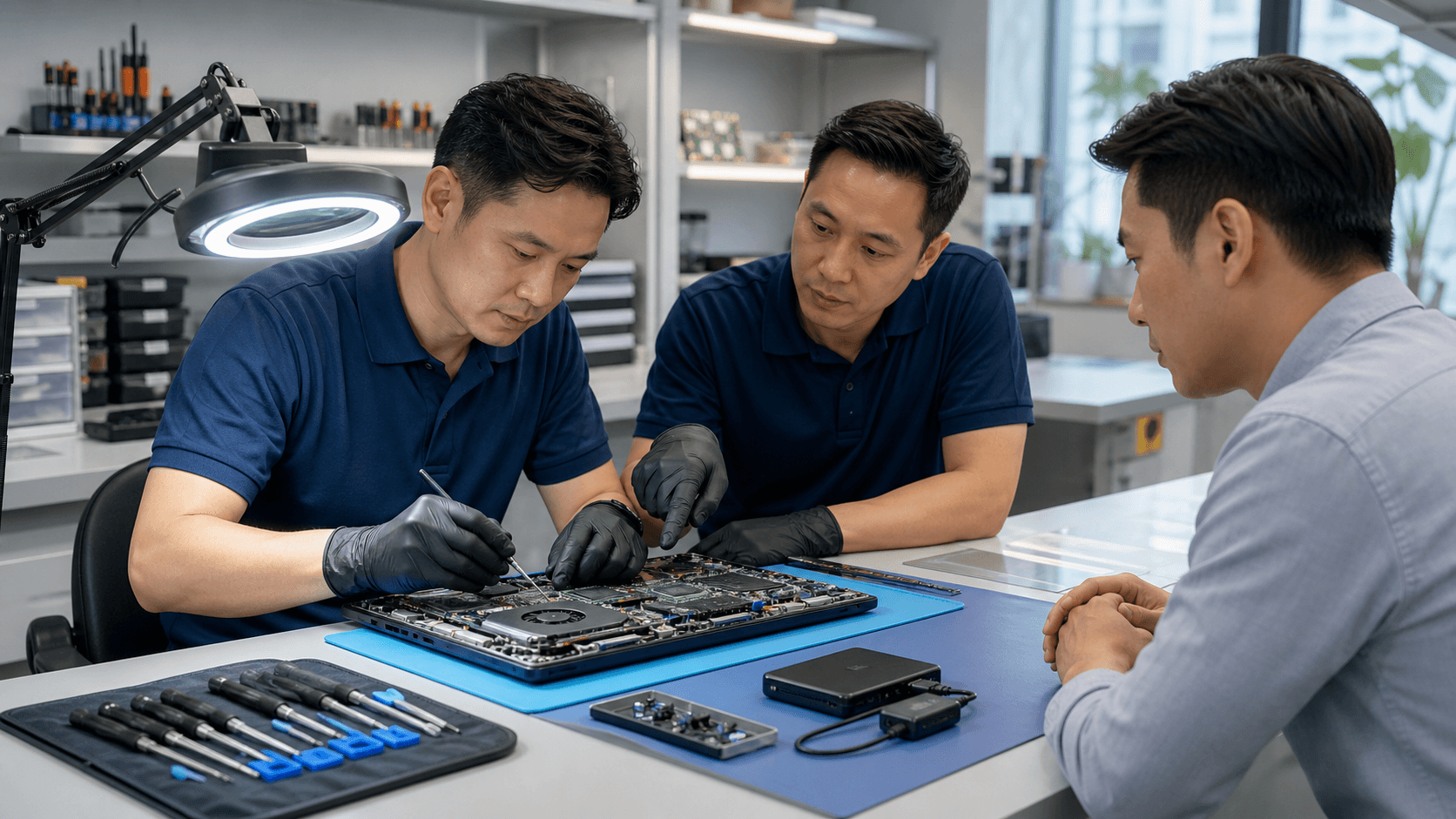

Cut Laptop Downtime From Days to Hours
When a key laptop dies in the middle of quarterly reporting or a big client push, work can freeze fast. Files sit on that device, approvals slow down, and your IT team gets dragged into chaos. The longer it takes to fix the problem, the more your teams miss deadlines and lose focus.
Office IT managers do not need more stress; they need a playbook. A clear, repeatable checklist turns a device failure from a fire drill into a simple, same-day workflow. Instead of scrambling, everyone already knows what to do, who to call, and what gets approved.
Same-day laptop repair in Singapore only works when service levels, approvals, data rules, and pick-up steps are agreed in advance. Partnering with a specialist repair provider, with clear expectations and workflows, means you can protect both productivity and data every single day.
Build SLAs That Actually Protect Your Workday
Service level agreements are only helpful when they match how your office really works. Many teams focus on response time, but do not think about resolution time. You need both.
Key points to define with your repair partner:
- Response time, how fast they confirm your request and give a clear next step
- Resolution time, how long it usually takes to repair or provide an update
- Same-day repair windows, during office hours and for evening or weekend calls
Not every device is equal. Treating an intern laptop and a finance laptop the same will slow the business. A simple priority list helps:
- Tier 1, laptops for executives, finance, sales closing deals, and operations leads
- Tier 2, core support staff and team leads
- Tier 3, non-urgent roles and secondary devices
Your SLAs should also match your internal rules. Work with HR, procurement, and infosec so that:
- Urgent repair approvals have a clear time limit
- Replacement versus repair rules are written down
- Security conditions, for example, encryption requirements, match company policy
When these parts line up, you can promise same-day support to the teams who need it most, without breaking internal controls.
Fast-Track Approvals Without Losing Financial Control
Many same-day repair plans fail on one simple step, waiting for someone to say yes to it. If the device sits on a desk while a manager decides, the same-day window closes.
To avoid this, build clear approval tiers:
- A low-cost level that IT can approve on the spot
- A mid-level where a manager or team head must agree
- A high-level where finance or leadership signs off
This lets low- and mid-priced repairs move quickly, while bigger choices still get review. You also save time when your repair partner is already approved. Pre-approving a trusted vendor means:
- Rates and typical repair options are agreed in advance
- Standard quotes can be shared without new negotiation
- IT can act within set limits without extra emails
To speed things up even more, create simple request templates. A short form, in your ticketing system or shared document, should capture:
- Device ID or asset tag
- Fault description and urgency
- Cost center or project
- Maximum pre-approved amount
When these details are ready from the start, managers can approve in minutes instead of hours.
Data Handling Rules That Keep Compliance Intact
Fast repairs are helpful, but not if they put data at risk. Before you send a laptop off-site, you need clear data rules that the whole company respects.
Start by classifying devices:
- High sensitivity, customer data, financial records, or restricted documents
- Medium sensitivity, internal reports and working files
- Low sensitivity, shared or non-confidential use
For high sensitivity devices, you may choose on-site repairs only, or strict controls for any off-site work. Make backup and wipe steps part of your standard routine. Before pick-up or drop-off, IT should:
- Run and confirm a recent backup
- Check disk encryption, for example BitLocker or FileVault, is active
- Move any extra sensitive data to a temporary secure location if policy requires
Vendor access must also be clearly documented. Your data handling rules can include:
- No copying or keeping user data for testing
- Clear logging of any storage replacement
- A rule that old drives are returned to your company for secure disposal
With this checklist, you protect both your repair speed and your compliance posture at the same time.
Streamlined Pickup and Drop-Off for Same-Day Turnaround
Even the best SLA fails if no one knows who is calling the courier. Logistics can quietly kill same-day repair plans, especially when teams work across several sites or co-working spaces.
First, centralize control. Appoint a repair coordinator or use a shared inbox so:
- All repair requests go to one place
- Pick-up times are tracked and confirmed
- Users get updates from a single source
Next, create a handover checklist. Each device leaving the office should have:
- Asset tag and username
- Clear issue summary and urgency level
- List of items sent, like charger, dock, or bag
- Security status, such as encryption turned on and whether the device is logged out
Finally, plan pick-up and drop-off routes with your repair partner. Many offices in Singapore work across multiple floors or nearby buildings. To keep same-day laptop repair in Singapore realistic, you can:
- Set fixed pick-up windows for main offices
- Group devices from satellite locations where possible
- Agree simple rules for urgent out-of-schedule pick-ups
When the physical flow is smooth, same-day repairs become a normal part of the workday instead of a rare lucky break.
Seasonal Peaks and Planning for Q3, Q4 Rush
Office workloads are not steady across the year. You know when reporting peaks, when sales pushes happen, and when year-end closing hits. Those are the worst times to be surprised by a stack of dead laptops.
Plan ahead by mapping your likely busy periods, such as:
- Mid-year hiring waves and onboarding
- Device refresh cycles and policy rollouts
- Budget cutoffs and year-end reporting
Next, build a small buffer inventory. Keep a set of loaner laptops ready with:
- Standard company image
- Basic apps for email, office tools, and core systems
- Simple instructions so staff can get back to work quickly
In a warm, humid climate, devices work under constant heat and dust. That can strain fans and components. To reduce sudden failures, schedule health checks with your repair partner before known busy times. Regular diagnostics and cleaning can catch weak parts before they break during a key reporting week.
When your checklists, SLAs, and logistics all work together, same-day laptop repair in Singapore feels less like an emergency favor and more like part of your standard IT playbook. With a clear plan, your teams stay online, your data stays controlled, and your workday keeps moving even when hardware does not.
Get Fast, Reliable Repairs So You Can Get Back To Work Today
If your laptop just failed and you cannot afford downtime, Singapore Laptop Repair is ready to help you fix it quickly and correctly. Check our clear pricing and service options for same-day laptop repair in Singapore so you know exactly what to expect before you book. We work efficiently while protecting your data and keeping you updated at every step. Reach out now and let our technicians get your device running smoothly again today.